EasyManua.ls Logo

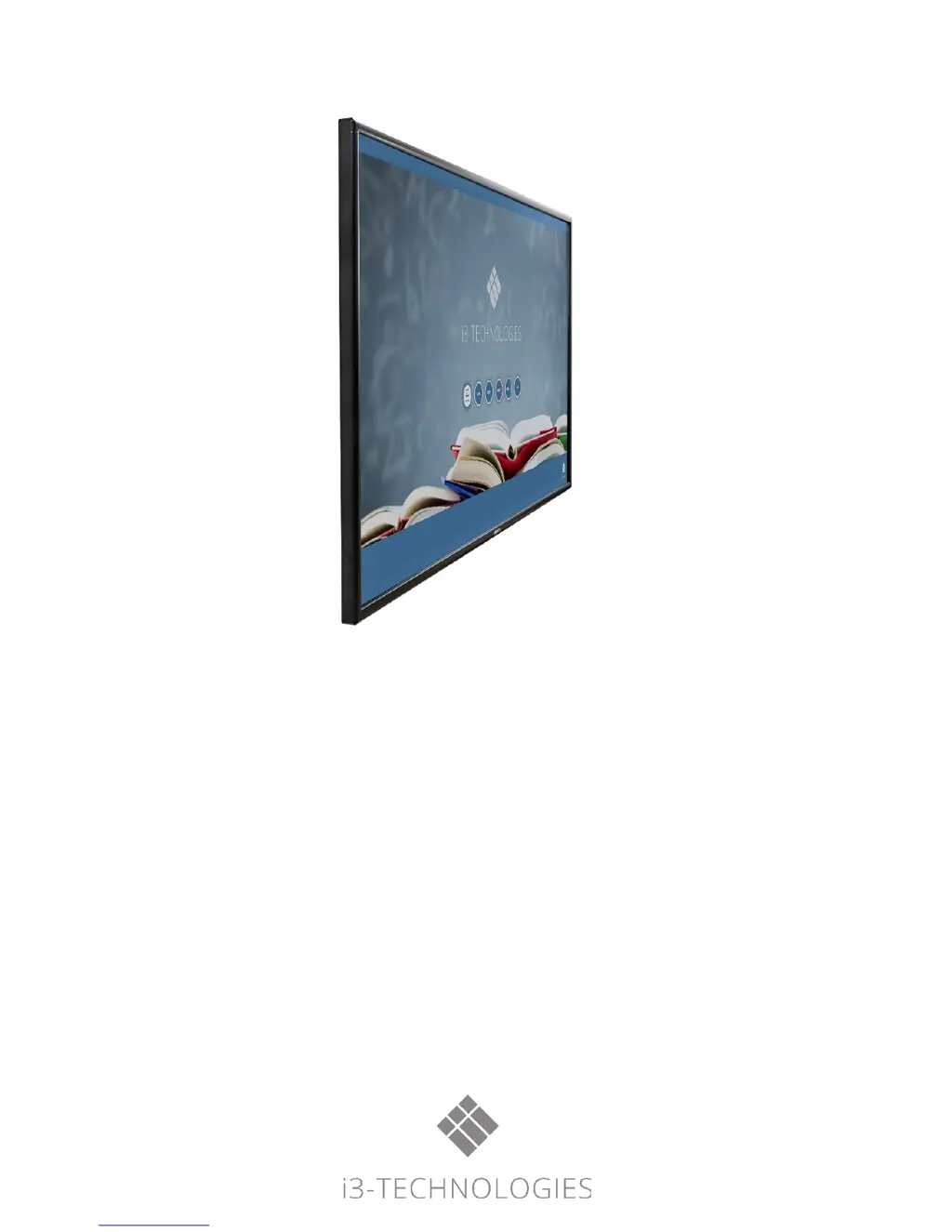
i3-TECHNOLOGIES i3TOUCH EXCELLENCE - User Manual

i3-TECHNOLOGIES i3TOUCH EXCELLENCE
16 pages
Print Icon
To Next Page IconTo Next Page
Loading...
i3TOUCH
EXCELLENCE
Users Manual

Questions and Answers

  • J
    jonesannSep 10, 2025
    Why i3-TECHNOLOGIES Monitor has horizontal or vertical stripes or image dithering?
    • C
      Christopher NielsenSep 10, 2025
      If your i3-TECHNOLOGIES Monitor displays horizontal or vertical stripes or image dithering, ensure the signal wire is securely connected. Also, check for nearby electronic equipment or power tools that may be causing interference.
  • T
    Teresa HumphreySep 12, 2025
    Why i3-TECHNOLOGIES i3TOUCH EXCELLENCE has no color, color is weak or image is weak?
    • V
      vanessathomasSep 12, 2025
      If your i3-TECHNOLOGIES Monitor shows no color, weak color, or a weak image, try adjusting the chromaticity, brightness, and contrast in the menu. Also, ensure the signal wire is properly connected.
  • M
    Mr. Garrett SantanaSep 14, 2025
    Why only one speaker has sound on i3-TECHNOLOGIES Monitor?
    • Z
      zcarterSep 14, 2025
      If only one speaker on your i3-TECHNOLOGIES Monitor is producing sound, adjust the sound balance in the menu. Also, check if the computer's sound control panel is set to only one sound channel and ensure the audio line is correctly connected.
  • R
    Robin JohnsonSep 16, 2025
    Why i3-TECHNOLOGIES i3TOUCH EXCELLENCE Monitor HDMI output without sound?
    • U
      umorganSep 16, 2025
      If you are experiencing HDMI output without sound on your i3-TECHNOLOGIES Monitor, verify whether you need to connect an external device with an audio output cable.

i3-TECHNOLOGIES i3TOUCH EXCELLENCE Specifications

General IconGeneral
Resolution3840 x 2160 (4K UHD)
Touch TechnologyInfrared
Touch PointsUp to 20
Brightness350 cd/m²
Response Time8 ms
ConnectivityWi-Fi, Bluetooth
Speakers2 x 15W
Aspect Ratio16:9
Contrast Ratio1200:1
Viewing Angle178°
Stand IncludedOptional
VESA Mount CompatibleYes
Display Size65 inch
Operating SystemAndroid 8.0
Operating System CompatibilityWindows, macOS, Linux, Android
PortsHDMI, USB, VGA, LAN
WeightVaries by size
DimensionsVaries by size
Power ConsumptionVaries by size

Related product manuals