2
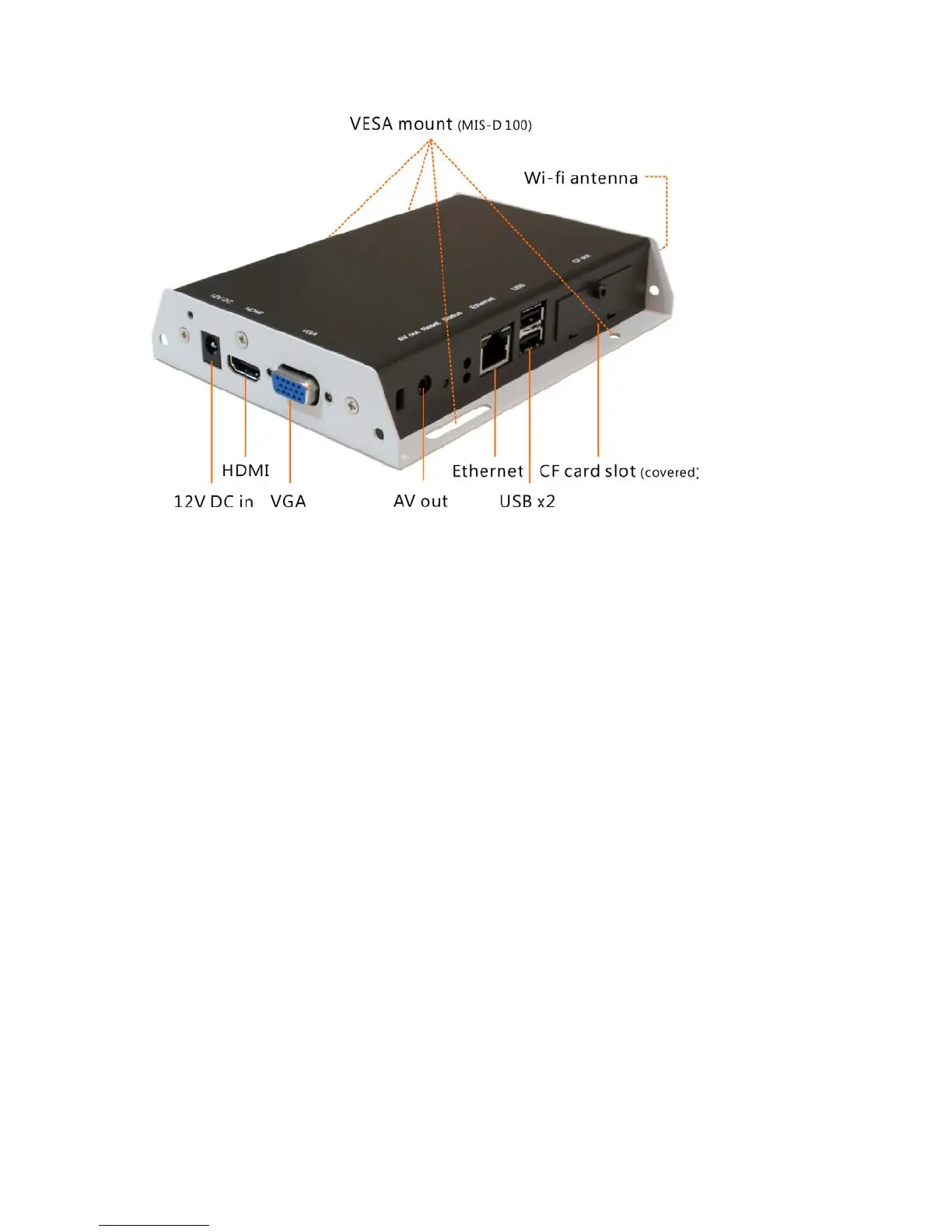
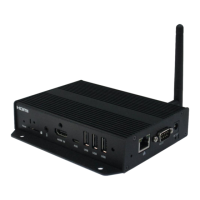
1.4. Physical view
Physical features (left to right in above illustration)
• 12V DC for power adapter
• HDMI 1.3a connector for digital video and audio combined outputs,
or digital video via option DVI adapter
• VGA port for analog video output
• 3.5mm composite AV output
• S/W Reset button to perform factory reset
• Ethernet port for network content update
• USB ports for USB content update and configuration
• CF card slot cover with integrated CF card removing tool



 To Next Page