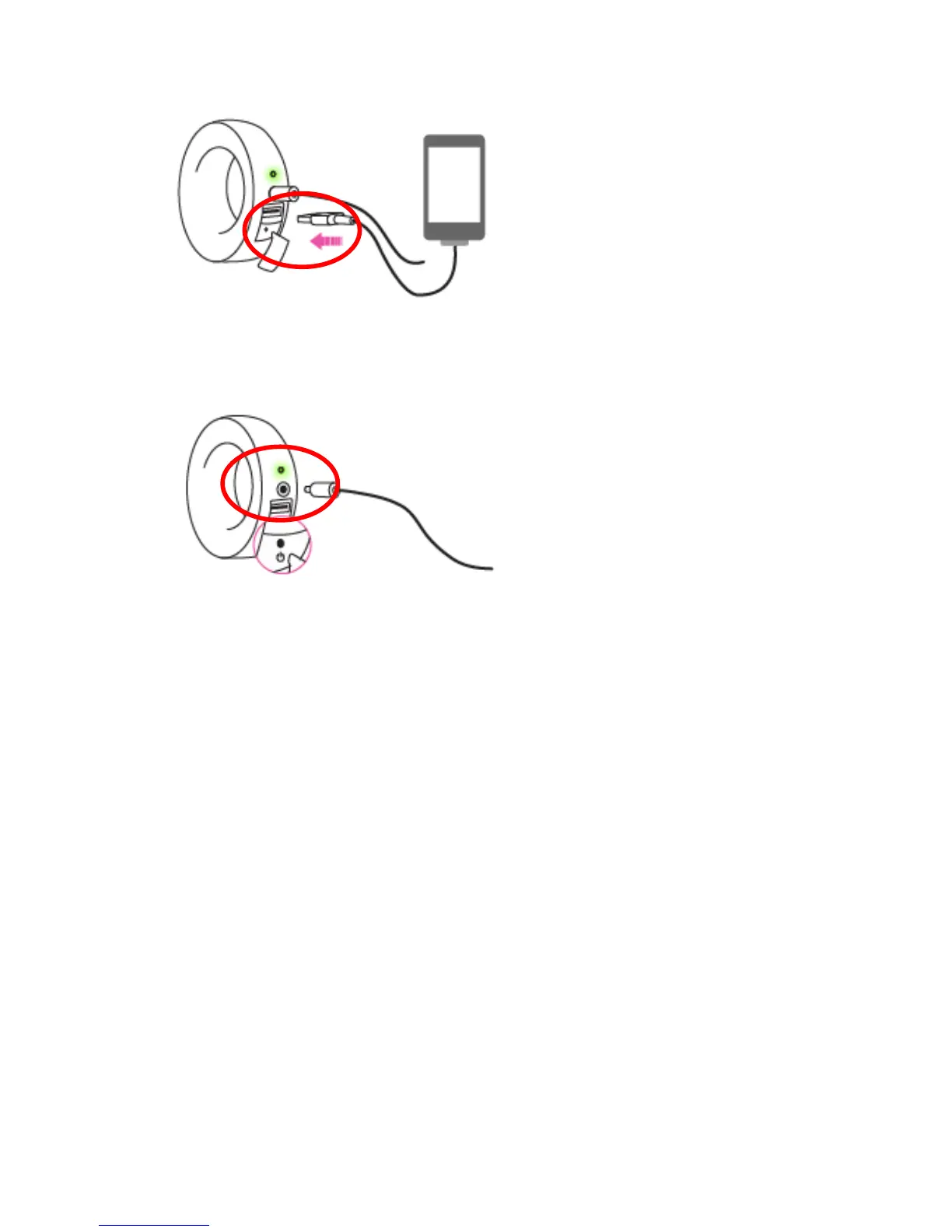
2) How do I power on the iBaby monitor?
Press the on/off button for 1-2 seconds and wait for the LED lights to come on.
3) What is the recommended distance between the iBaby monitor and
the router?
Keep the iBaby monitor within 75 feet of your router to ensure a strong Wi-Fi signal and a
reliable connection.
4) What do signal frames on the video screen mean?
The signal frames display the signal strength between the camera and a router.
One single signal means the strength is poor and the iBaby monitor will not function
properly.
Two signal strength means the strength is ok and there will still be issues functioning
properly.
Three signal strength bars indicate the strength is good and will have function normally.
10
10



 To Next Page