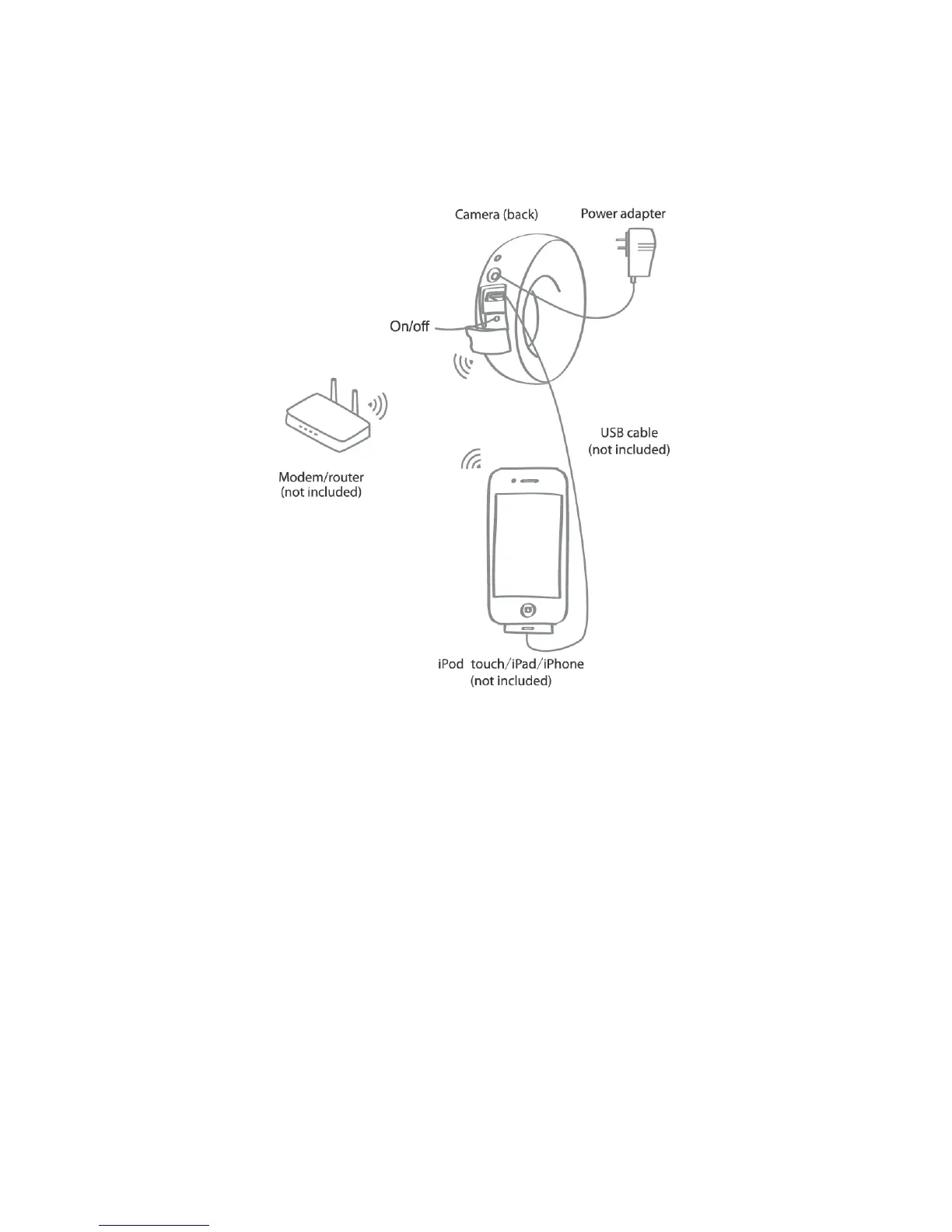
3 Set-up and Installation
Ensure your Apple iOS device is connected to your home Wi-Fi network
From the App Store, download “iBaby View App” on to your supported mobile
device
Plug the power adapter into the camera and into an electrical outlet
Press the on/off button for 1-2 seconds for the LED light to turn on
The camera will take a minute to power on. Wait for the tone before proceeding
Connect the USB cable from your mobile device to the camera
The message “Share Wi-Fi Settings” will appear. Please select “Allow”
Proceed to follow the simple onscreen instructions to complete the setup
7
7



 To Next Page