EasyManua.ls Logo

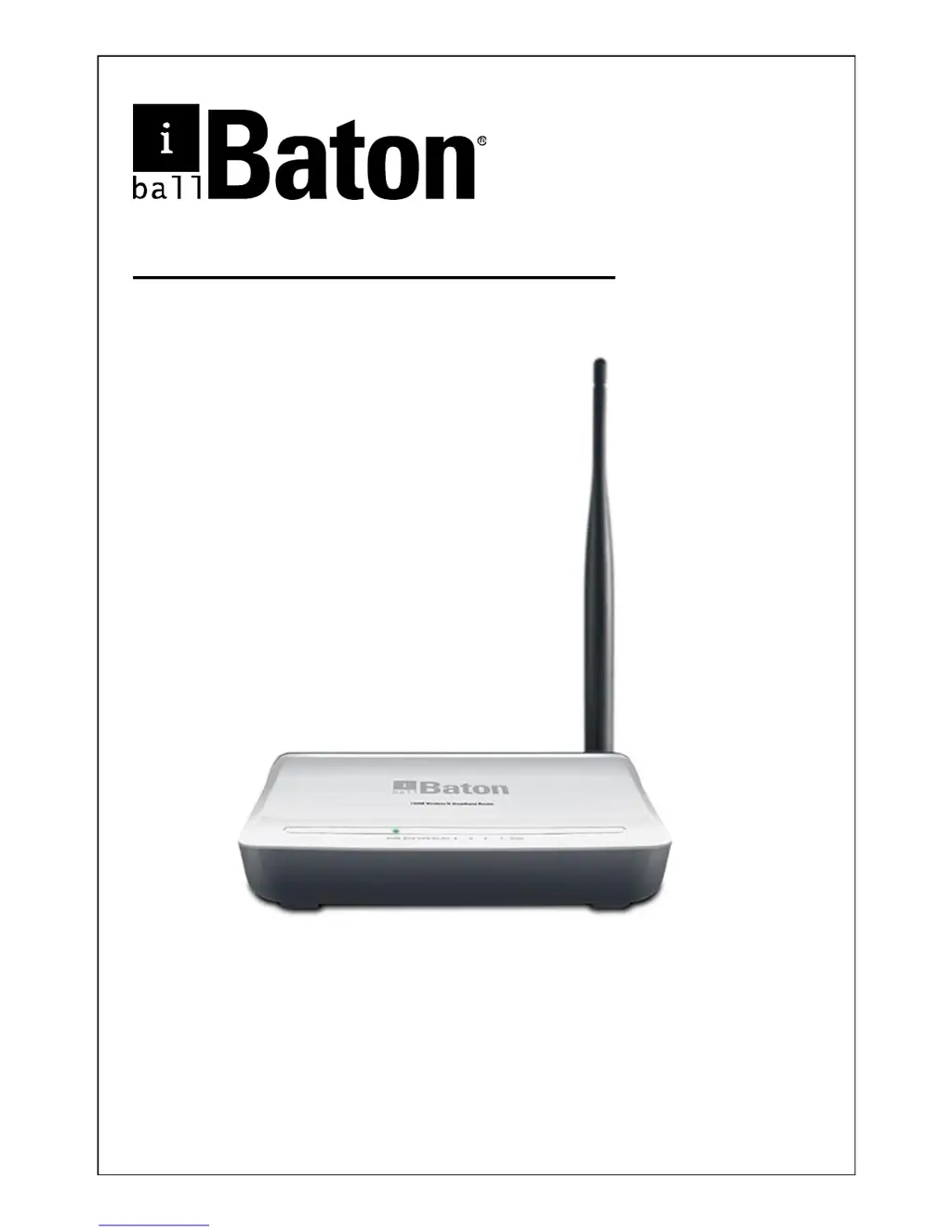
iBall Baton iB-WRB150N - User Manual

iBall Baton iB-WRB150N
70 pages
Print Icon
To Next Page IconTo Next Page
Loading...
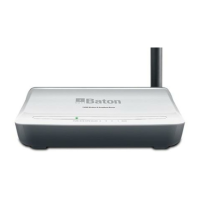
150M Wireless-N Broadband Router
Model No.: iB-WRB150N
User Manual
Ver.: 1.0.0

Questions and Answers

Summary

Chapter 2 Installation

Chapter 3 Internet Connection Setup

3.1 Configure your PCs TCP;IP Settings

Guides users on how to configure their computer's network settings for internet access.

3.2 Login to Router

Provides instructions on accessing the router's web-based management interface.

Chapter 4 Network Settings

4.2 WAN

Covers configuration options for various Wide Area Network (WAN) connection types.

Chapter 5 Wireless Settings

5.1 Wireless Basic Settings

Sets up essential wireless network parameters like SSID, network mode, and channel.

5.2 Wireless Security

Configures encryption methods (WPS, WEP, WPA/WPA2) to secure the wireless network.

Chapter 6 DHCP

6.1 DHCP Settings

Configures the Dynamic Host Configuration Protocol (DHCP) server for automatic IP assignment.

Chapter 7 Virtual Server

7.1 Port Forwarding

Sets up rules to allow external access to specific internal network ports.

Chapter 8 Security Settings

8.1 IP Address Filtering

Implements rules to control network access based on IP addresses and time schedules.

Chapter 10 Maintenance

10.3 Backup;Restore

Manages router configuration by backing up or restoring settings.

10.4 Factory Default

Resets all router settings to their original factory default values.

10.5 Firmware Upgrade

Instructions for updating the router's software to the latest version.

10.7 Password

Allows changing the administrator's login password for security.

Appendix 3: Troubleshooting

iBall Baton iB-WRB150N Specifications

General IconGeneral
BrandiBall
ModeliB-WRB150N
Router TypeWireless Router
Wireless StandardIEEE 802.11b/g/n
Frequency Band2.4 GHz
Wireless SpeedUp to 150 Mbps
SecurityWEP, WPA, WPA2
AntennaExternal
Ports1 x WAN, 4 x LAN
Power Supply5V DC

Related product manuals