NOTE: Before installation, please inspect the unit. Be sure that nothing inside the package is
damaged. Please keep the original package in a safe place for future use.
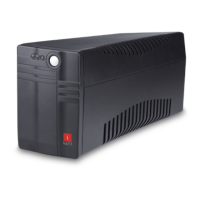
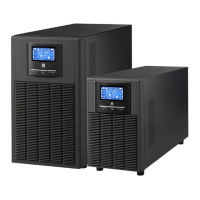
NOTE: There are two different types of Online UPS: standard and long-run models. Please
refer to the following model table.
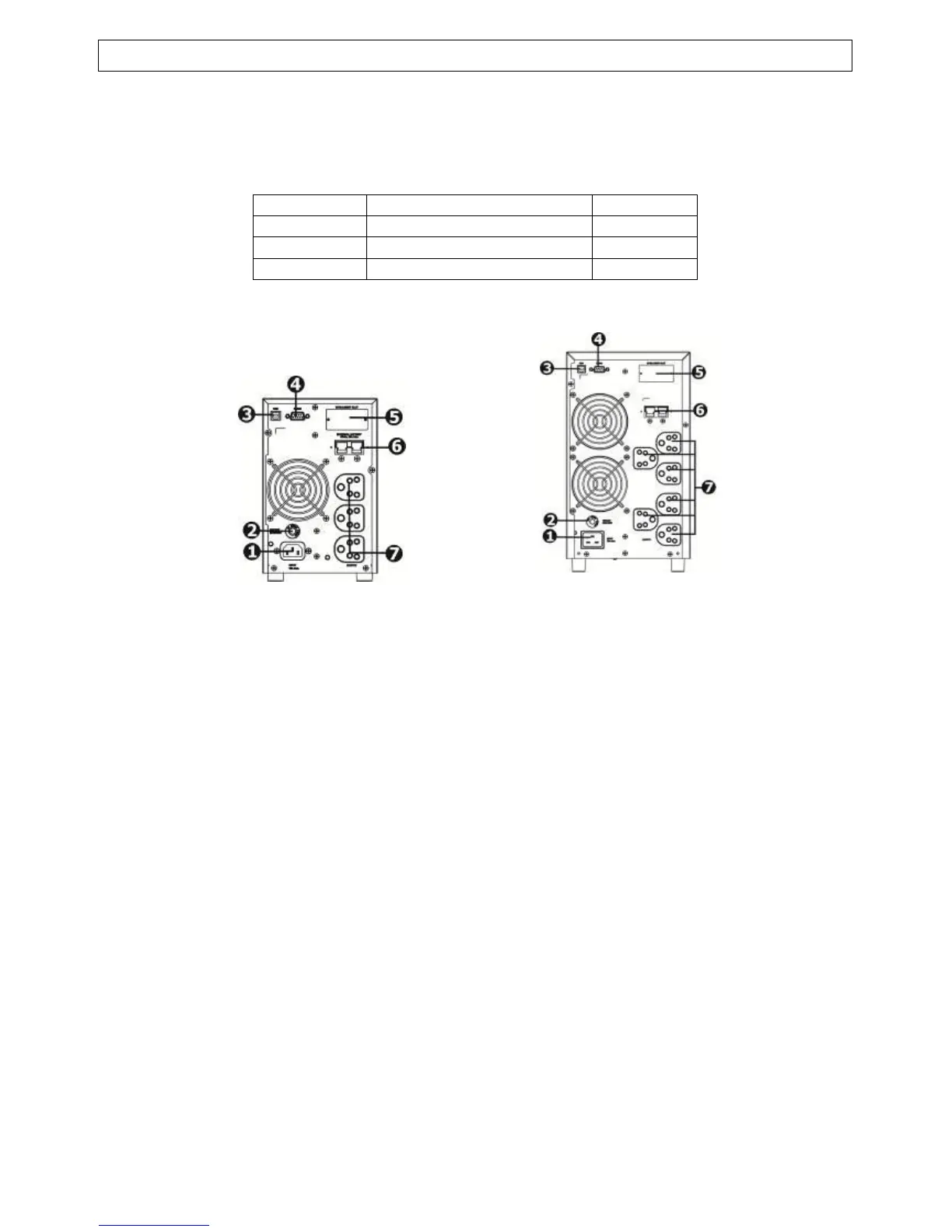
1. AC Input
2. Input Circuit Breaker
3. USB Communication Port
4. RS-232 Communication Port
5. SNMP Intelligent Slot
6. External Battery Connection (only available for E model)
7. Output Receptacles
2-2. Setup the UPS
Step 1: UPS input connection
Plug the UPS into a two-pole, three-wire, grounded receptacle only. Avoid using extension
cords. The power cord is supplied in the UPS package.
Step 2: UPS output connection
For socket-type outputs, simply connect devices to the outlets.
For terminal-type input or outputs, please follow below steps for the wiring configuration:
a) Remove the small cover of the terminal block
b) Suggest using AWG14 or 2.1mm
2
power cords.
c) Upon completion of the wiring configuration, please check whether the wires are
securely affixed.
d) Put the small cover back to the rear panel.


 To Next Page