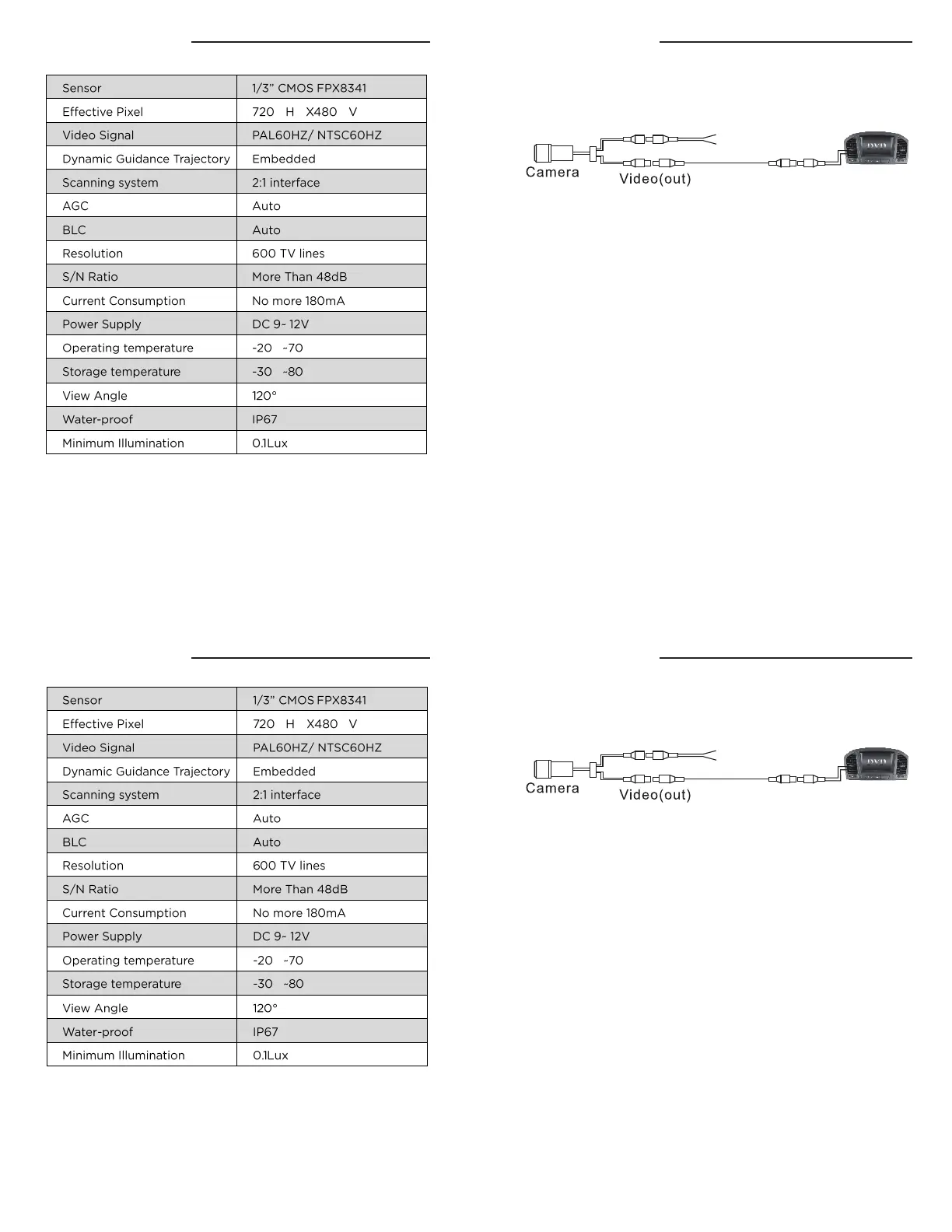
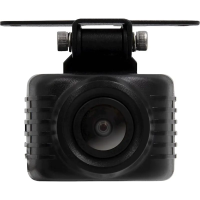
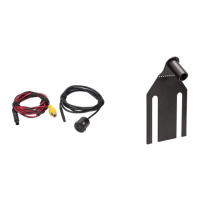
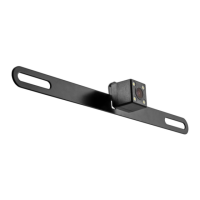
1. This is a behind license plate camera. Begin by removing the license
plate bolts and the license plate, then install camera. Replace license
plate and bolts.
2. Connect the RED wire to the +12 volt reverse wire
3. Connect the BLACK wire to ground (a metal, non-painted surface).
4. Run video cable though vehicle, up to video display. (Avoid placing
video cable where it can get pinched or damaged).
5. Attach the YELLOW video rca to camera’s output and to the reverse
camera input of the radio or video display.
1. This is a behind license plate camera. Begin by removing the license
plate bolts and the license plate, then install camera. Replace license
plate and bolts.
2. Connect the RED wire to the +12 volt reverse wire
3. Connect the BLACK wire to ground (a metal, non-painted surface).
4. Run video cable though vehicle, up to video display. (Avoid placing
video cable where it can get pinched or damaged).
5. Attach the YELLOW video rca to camera’s output and to the reverse
camera input of the radio or video display.
NOTE: The camera needs to angled down 30 - 40 degrees for proper
functionality.
II. Connection
II. Connection
I. Specifications
I. Specifications
RED
BLACK
Video (in)
RED
BLACK
Video (in)
NOTE: The camera needs to angled down 30 - 40 degrees for proper
functionality.
( ) ( )
℃ ℃
℃ ℃
( ) ( )
℃ ℃
℃ ℃


 To Previous Page