Powering On the Printer
CAUTION:
This product is equipped with a required, country-approved plug. For your
safety, use it in conjunction with a properly grounded receptacle.
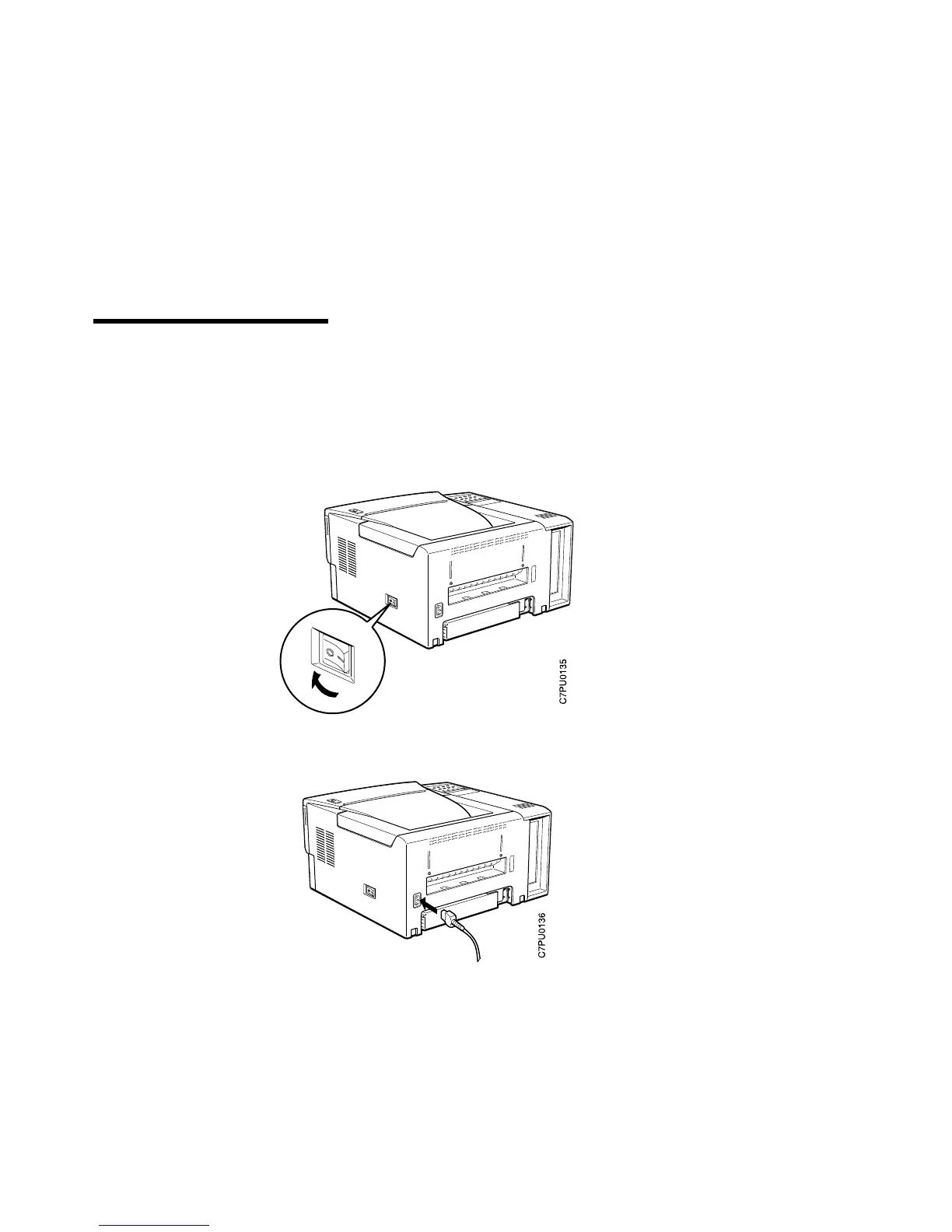
1. Make sure the printer is off. The power switch is located on the side of the printer.
The printer is off when the O on the switch is pressed in.
2. Plug the power cord into the socket located on the back of the printer.
Copyright IBM Corp. 1996 13













 To Next Page