Performing Common Tasks
Attention: All the data and programs in the array will be lost
during this procedure.
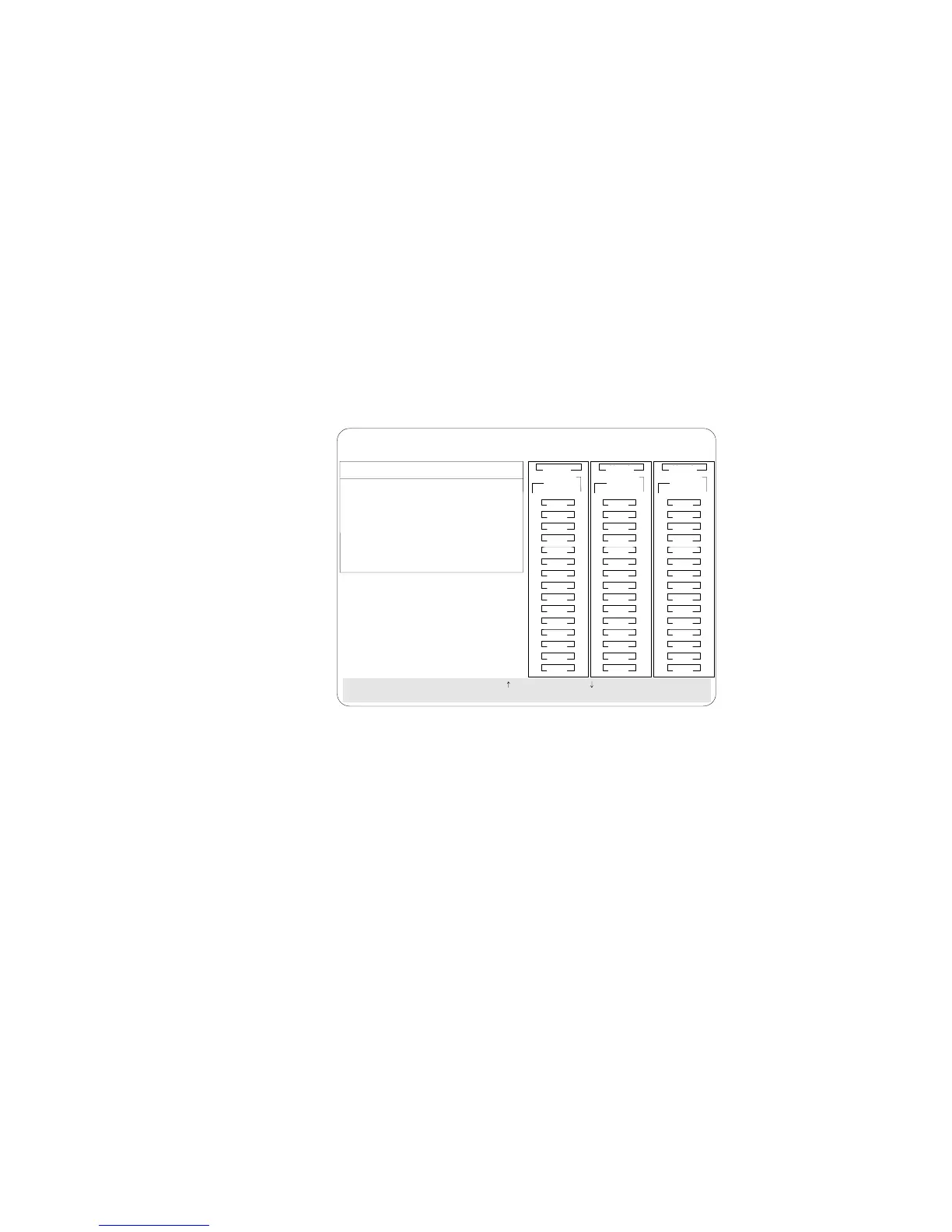
5. Press Del. The Confirm pop-up window appears.
BayBay
ArrayArray
Ch 2Ch 1
Bay
Array
1
2
3
4
5
6
7
8
9
10
11
12
13
14
15
1
2
3
4
5
6
7
8
9
10
11
12
13
14
15
1
2
3
4
5
6
7
8
9
10
11
12
13
14
15
Ch 1 Ch 2 Ch 3
CDR
Create/Delete Array
1. Help
2. Delete Disk Array
3. Create Disk Array
4. Define Logical Drive
5. Define/Undefine Hot-spare Drive
6. Delete Logical Drive
7. Exit
SelectachoiceusingtheUpArrow()andDownArrow()keysandpressEnter.
Press Esc to return to previous menu.
A
A
ONL
ONL
B
B
C
C
A
A
ONL
ONL
B
B
C
C
A
ONL
B
A
ONL
C
C
TAP
SHS
HSP
DHS
B
RBL
RDY
ONL
DDD
ONL ONL
ONL
ONL ONL
ONL
ONL ONL
ONL
IBM PC ServeRAID Adapter Disk Array Configuration Ver. 1.XX
Adapter Number: 1 Bus Number: 0 Host ID = Null Config
6. If you do not want to delete the array, select No. To delete the
array, select Yes.
Notes:
To use hard disks from the existing array when
creating a new array, you must confirm the deletion
of the existing array.
In some operating systems, deleting an array and
associated logical drives might change the drive
letters assigned to the existing drives.
If a defunct drive is still in a bay, the status shows a Defunct
Hot-spare (DHS) drive. You can select Rebuild/Device
Management, then reset the drive state by selecting Set Device
State (see “Defining the State of a Drive” on page 108 for more
information). If the drive is good, set the drive state to Hot-Spare
(HSP); then, select the drive again and set the drive to Ready
(RDY). If the drive is defective, replace it with a good drive; then
set the new drive state to Ready (RDY).
100 PC Server 520 User's Handbook for PCI/EISA








 To Next Page