Performing Common Tasks
Deleting a Logical Drive
You can use the Administration and Monitoring program or the
ServeRAID configuration program to delete a logical drive. By
using the Administration and Monitoring program from your active
operating system desktop, you do not have to restart the server.
Refer to the README file on the Device Driver/Administration and
Monitoring diskette for instructions for your operating system.
To delete a logical drive from the ServeRAID configuration
program:
1. Start the ServeRAID configuration program (see “Starting the
ServeRAID Configuration Program” on page 86).
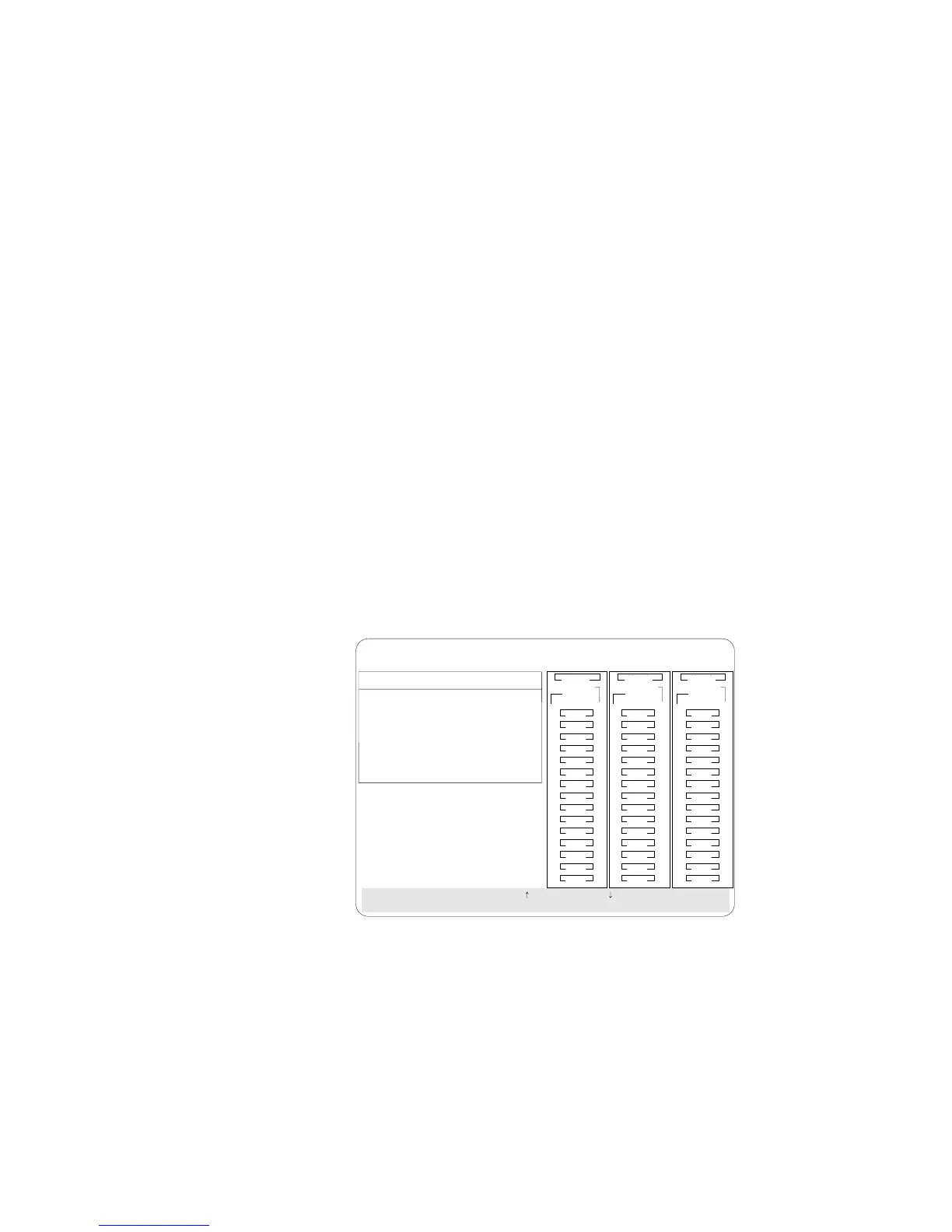
2. Select Create/Delete Array/Log Drive from the Main Menu.
BayBay
ArrayArray
Ch 2Ch 1
Bay
Array
1
2
3
4
5
6
7
8
9
10
11
12
13
14
15
1
2
3
4
5
6
7
8
9
10
11
12
13
14
15
1
2
3
4
5
6
7
8
9
10
11
12
13
14
15
Ch 1 Ch 2 Ch 3
CDR
Create/Delete Array
1. Help
2. Delete Disk Array
3. Create Disk Array
4. Define Logical Drive
5. Define/Undefine Hot-spare Drive
6. Delete Logical Drive
7. Exit
SelectachoiceusingtheUpArrow()andDownArrow()keysandpressEnter.
Press Esc to return to previous menu.
A
A
ONL
ONL
B
B
C
C
A
A
ONL
ONL
B
B
C
C
A
ONL
B
A
ONL
C
C
TAP
SHS
HSP
DHS
B
RBL
RDY
ONL
DDD
ONL ONL
ONL
ONL ONL
ONL
ONL ONL
ONL
IBM PC ServeRAID Adapter Disk Array Configuration Ver. 1.XX
Adapter Number: 1 Bus Number: 0 Host ID = Null Config
3. Select Delete Logical Drive from the Create/Delete Array menu
and press Enter.
4. Press the Up Arrow (↑) or Down Arrow (↓) key to highlight the
logical drive that you want to delete.
5. Press Del. The Confirm pop-up window appears.
6. If you do not want to delete the logical drive, select No.To
delete the logical drive, select Yes.
7. Select Exit or Esc to return to the main menu.
Chapter 3. Configuring the Disk Array 101








 To Next Page