Drive Maintenance
Replacing a Faulty Drive
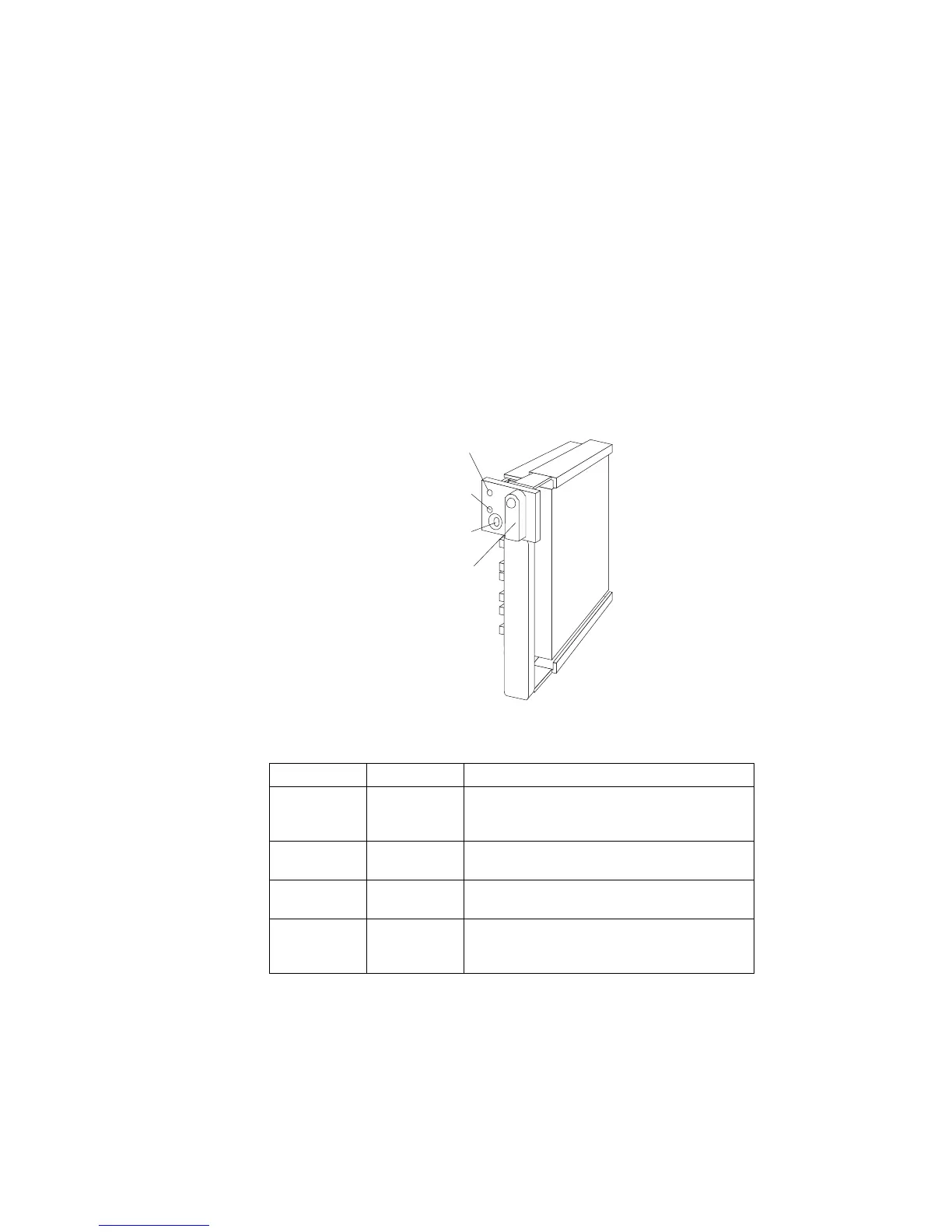
Note: The LEDs on the hard disk drive tray provide information
about the status of the drive.
Locked
Position
Green
Light
Amber
Light
Power-Off
Switch
The following table summarizes the LED states and their meanings.
Check the drive for damage. If the drive is not damaged, check the
position of the drive. If it is not inserted correctly, reposition the
drive. Verify that the drive is positioned correctly.
Green Amber Description
On Off Drive tray is powered on; the hard disk drive
is inactive; and the drive should not be
removed.
Blinking Off The hard disk drive is inactive. The hot-swap
drive can be removed safely.
On On or
Blinking
The hard disk drive is in use, and should not
be removed.
Off Off The drive is defective, or no power is being
supplied to the drive. The hot-swap drive can
be removed safely.
112 PC Server 520 User's Handbook for PCI/EISA








 To Next Page