Drive Maintenance
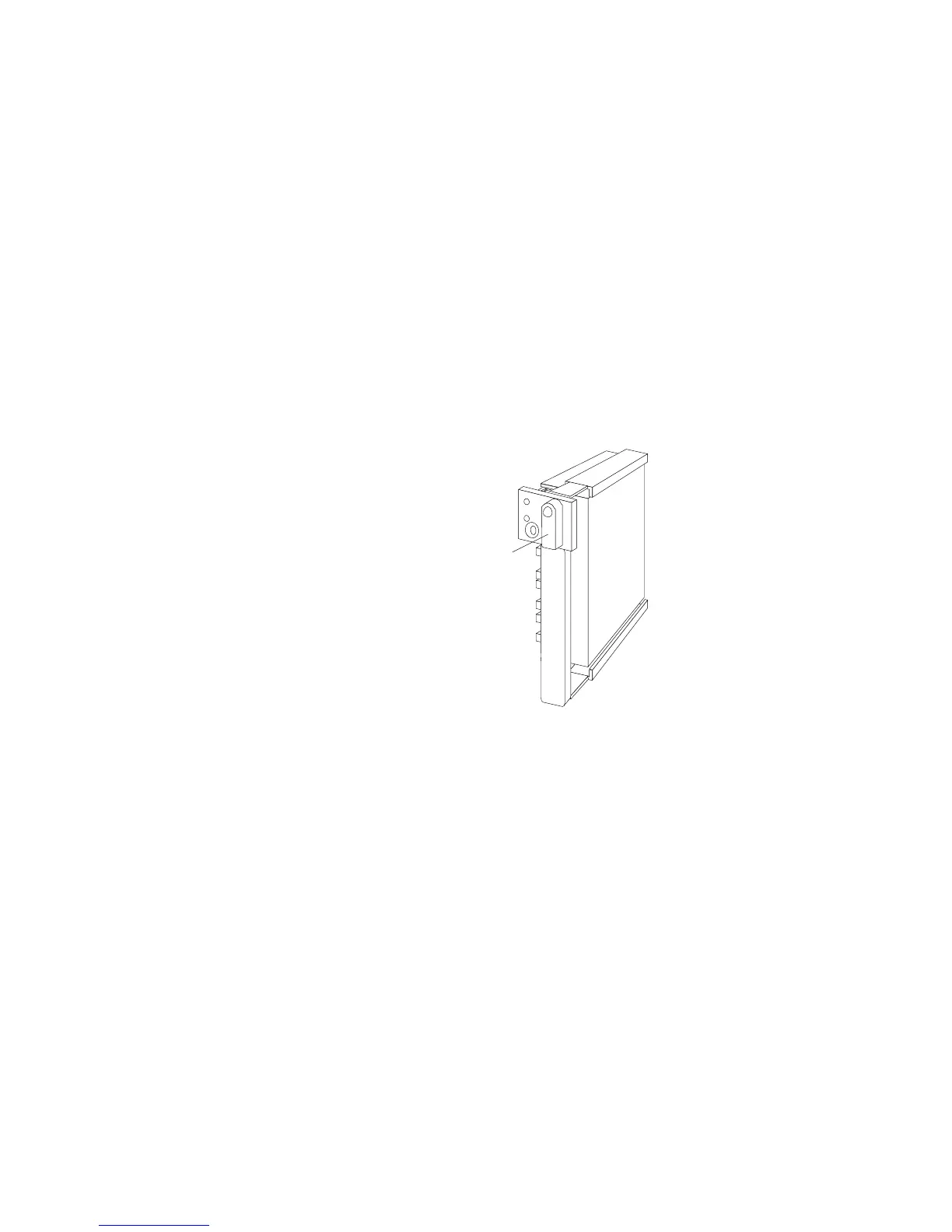
d. Slide the drive tray to the rear of the bay until it connects to
the backplane. Be sure it is connected properly to the
backplane.
e. Move the tray knob to the locked position.
Locked
Position
Note: The green light on the front of the drive tray illuminates,
indicating that the drive was installed correctly.
8. Go to “Rebuilding a Logical Drive.”
Rebuilding a Logical Drive
Review this section before you rebuild a logical drive.
If the logical drive is critical, you must rebuild the defunct
drive.
Data in a logical drive assigned RAID level 0 is lost during a
rebuild. If you backed up your drive before the drive failed,
you can restore the data to this drive.
Chapter 3. Configuring the Disk Array 115








 To Next Page