Drive Maintenance
6. Disconnect the drive from the connector on the backplane, by
grasping the handle on the drive tray and pulling the drive out
of the server. Store the drive in a safe place.
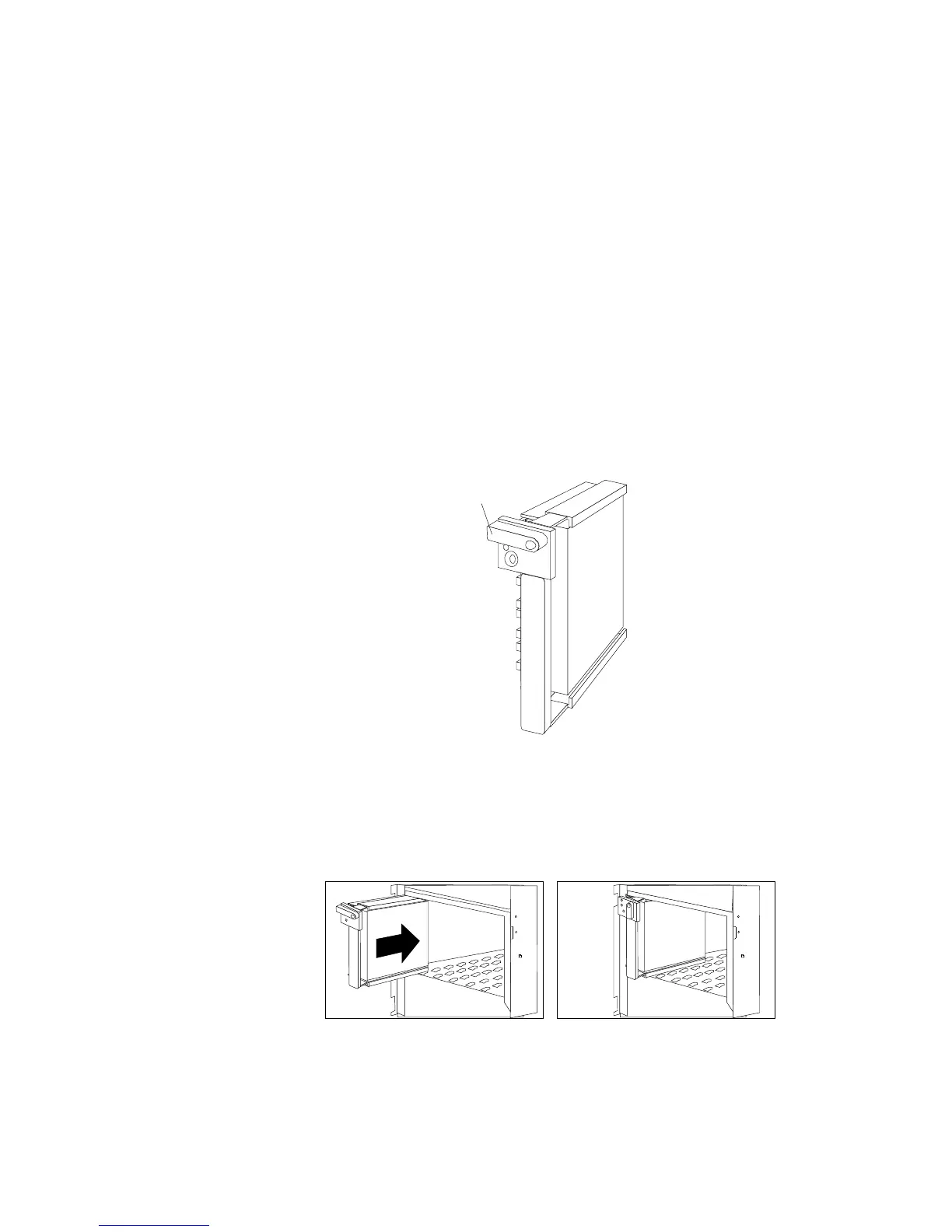
7. Install the hard disk drive:
a. Move the tray knob to the unlocked position.
Unlocked
Position
b. Position the drive tray assembly vertically, with the
connector facing the rear of the server.
c. Align the side of the tray with the raised guides on the
bottom of the bay. (Note the arrows pointing towards the
backs of the bays.)
114 PC Server 520 User's Handbook for PCI/EISA








 To Next Page