Preparing to Install Options
Preparing to Install Options
Before you begin:
Be sure you have read “Electrical Safety” on page 161 and
“Handling Static-Sensitive Devices” on page 162.
1. Unlock the door.
2. If you are installing options in the server:
a. Rotate the key 180 degrees to the left.
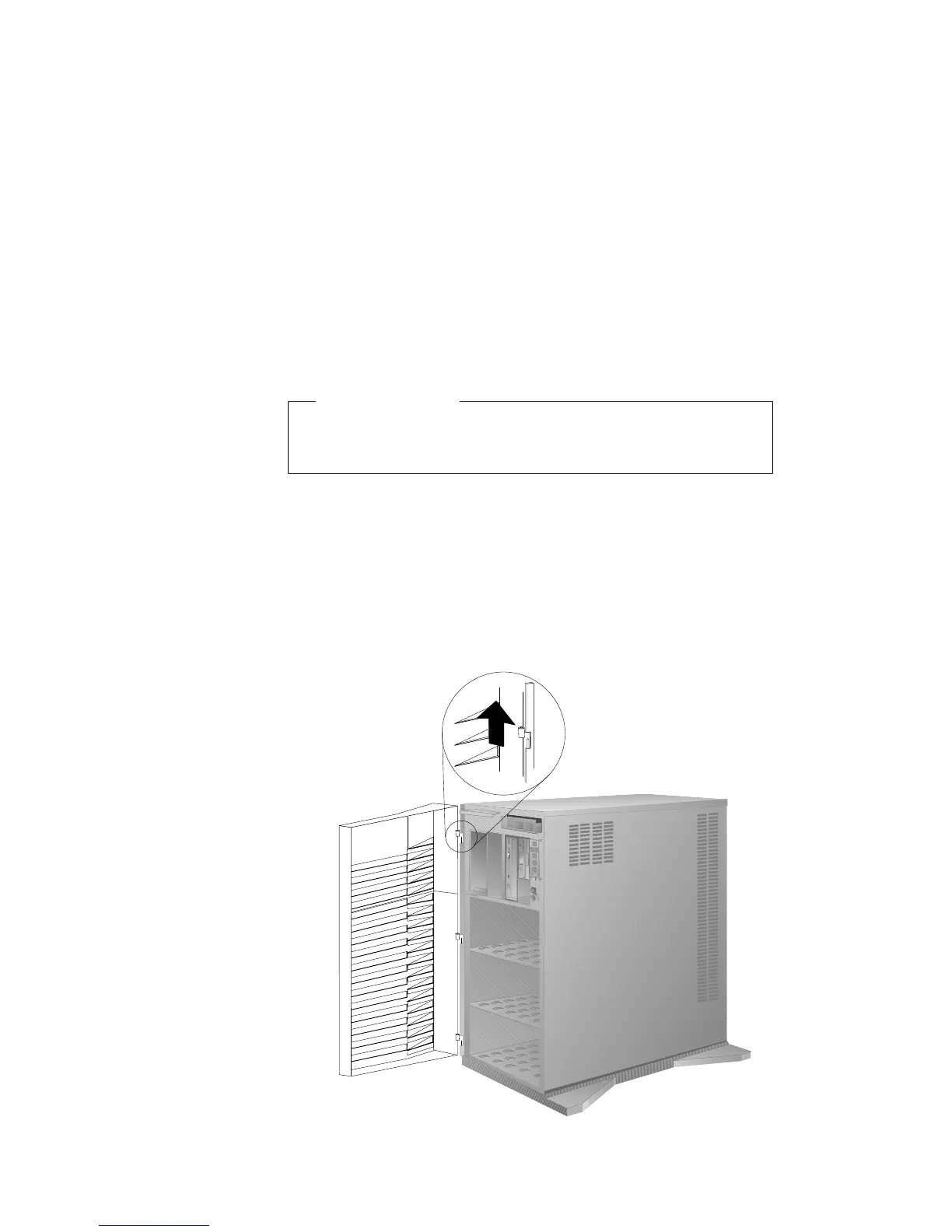
b. Swing the front cover to the left.
c. If necessary, remove the front cover by lifting it up and off
the hinge pins; then, store the cover in a safe place.
Chapter 5. Installing Options 163








 To Next Page