Preparing to Install Options
3. Remove all media (diskettes, CDs, optical discs, or tapes) from
the drives; then, turn off the server and all attached options.
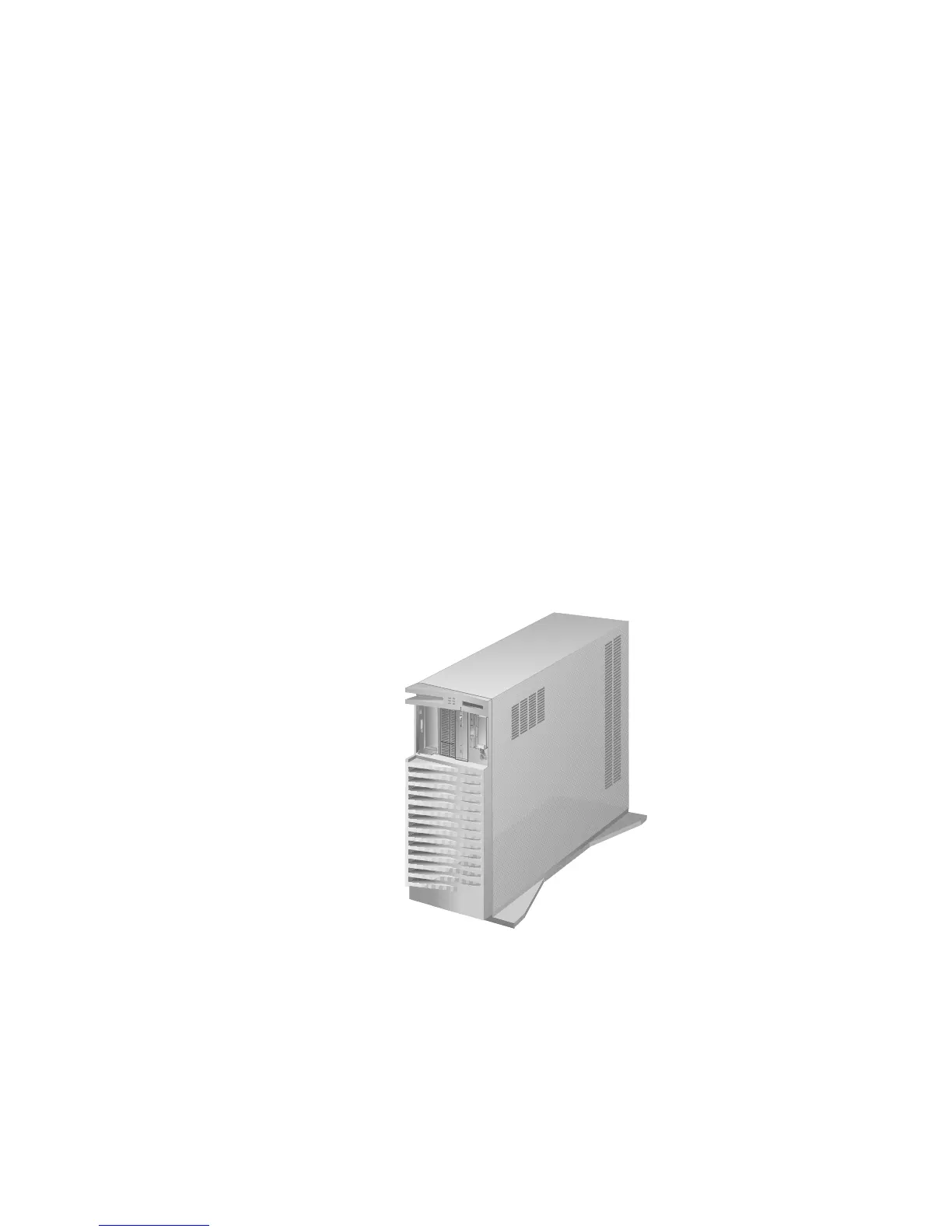
Note: To turn off the server, press the Power On/Off switch.
The Power On/Off switch is located under a transparent
cover on the right side of the front of the server.
Therefore, before you can turn off the server, you must
lift this transparent cover to reach the Power On/Off
switch.
To avoid accidentally pressing the Power On/Off switch
after you have turned the server off, return the
transparent cover to its original position.
164 PC Server 520 User's Handbook for PCI/EISA








 To Next Page