Installing Adapters
Installing Adapters
Before you begin:
Be sure you have:
Read “Electrical Safety” on page 161 and “Handling
Static-Sensitive Devices” on page 162.
Read the instructions that come with the adapter.
Removed the server side cover (see “Preparing to Install
Options” on page 163).
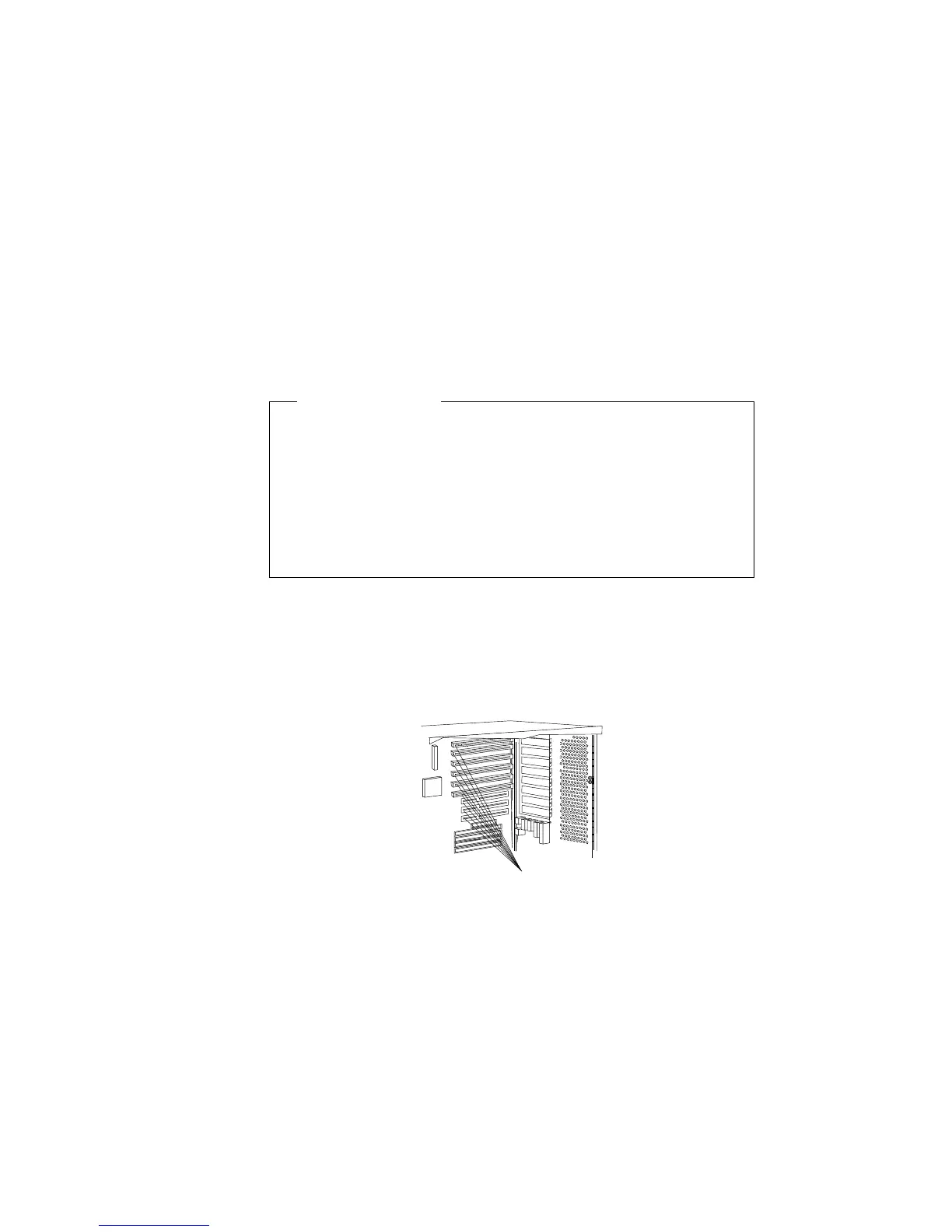
Your server has nine connectors called expansion slots. To locate the
expansion slot numbers for your server, refer to the following
illustration. The video adapter and the SCSI-2 adapter are installed
in two of the slots.
Expansion
Slots
1
2
3
4
5
6
1
2
3
180 PC Server 520 User's Handbook for PCI/EISA








 To Next Page