Installing Adapters
The remaining slots are available for future expansion and growth.
For example, you can add adapters to provide communication,
specialized graphics, and sound. This extends the capabilities and
power of your server. Many adapters provide bus-master
capabilities, which enable the adapters to perform operations
without interrupting the server's microprocessor.
Note: If you have four bus-master adapters, install them in slots 1,
2, 3, and 4. Slots 4, 5, and 6 share requests for system
resources.
These expansion slots have Plug and Play capabilities. This feature
requires a configuration file (.CFG) for each installed ISA adapter.
See “Configuration Files” on page 289 for information about
creating ISA Configuration files. When operating systems that
support this feature become available, your server will automatically
configure itself when you install ISA and PCI Plug and Play devices.
Considerations
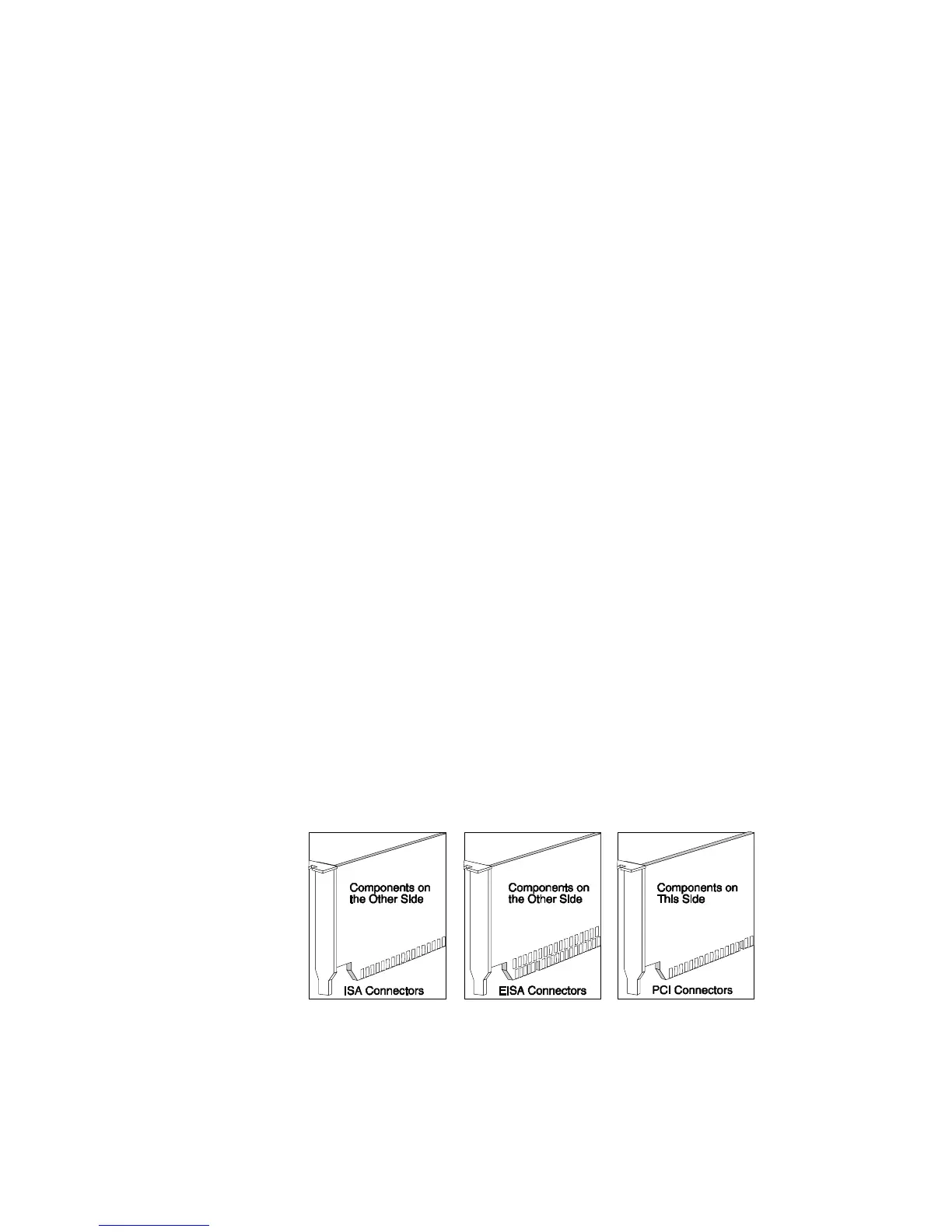
Three types of adapters are available for your PC Server 520:
ISA
EISA
PCI
Chapter 5. Installing Options 181








 To Next Page