Installing Adapters
Review the documentation that comes with the adapter and
follow those instructions in addition to the instructions given in
this chapter. If you need to change the switch or jumper
settings on your adapter, follow the instructions that come with
the adapter documentation.
Your server supports one monitor adapter. Your server comes
with an SVGA monitor adapter preinstalled in EISA expansion
slot 2.
XGA adapters are not supported.
You can install EISA or ISA adapters in EISA slots 1–6 only.
You can install PCI adapters in PCI slots only.
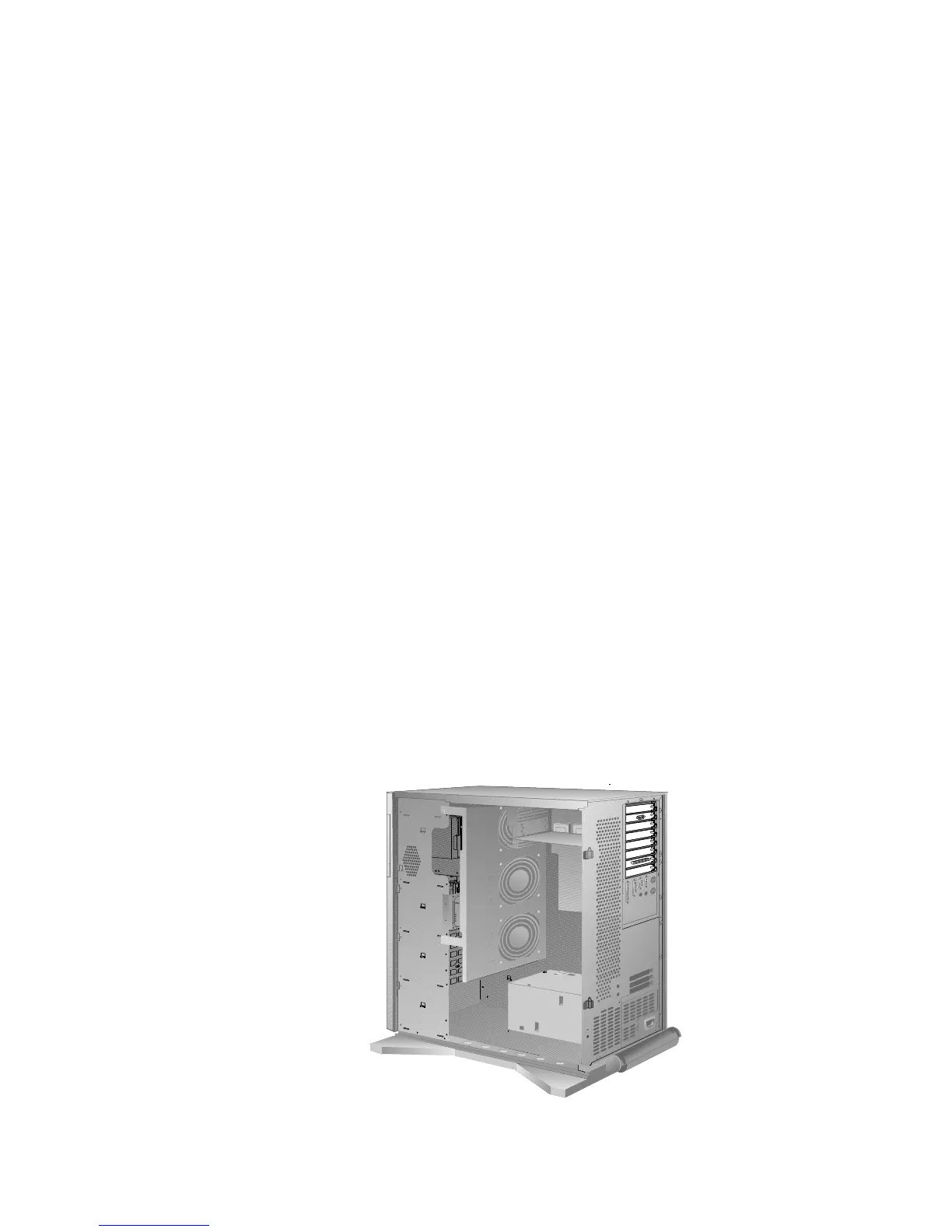
The bottom EISA slot and the top PCI slot are shared slots.
That is, if you install an EISA or ISA adapter in the bottom EISA
slot, you cannot install a PCI adapter in the top PCI slot, and
vice versa. This means that only eight expansion slots can be
occupied at any given time, although the server has nine
expansion slots. Thus, your server has eight expansion slot
covers, as shown in the following illustration.
182 PC Server 520 User's Handbook for PCI/EISA








 To Next Page