Removing Adapters
Removing Adapters
1. Remove the adapter:
Note: If you are removing a PCI adapter, the screw is on the
inside back of the server.
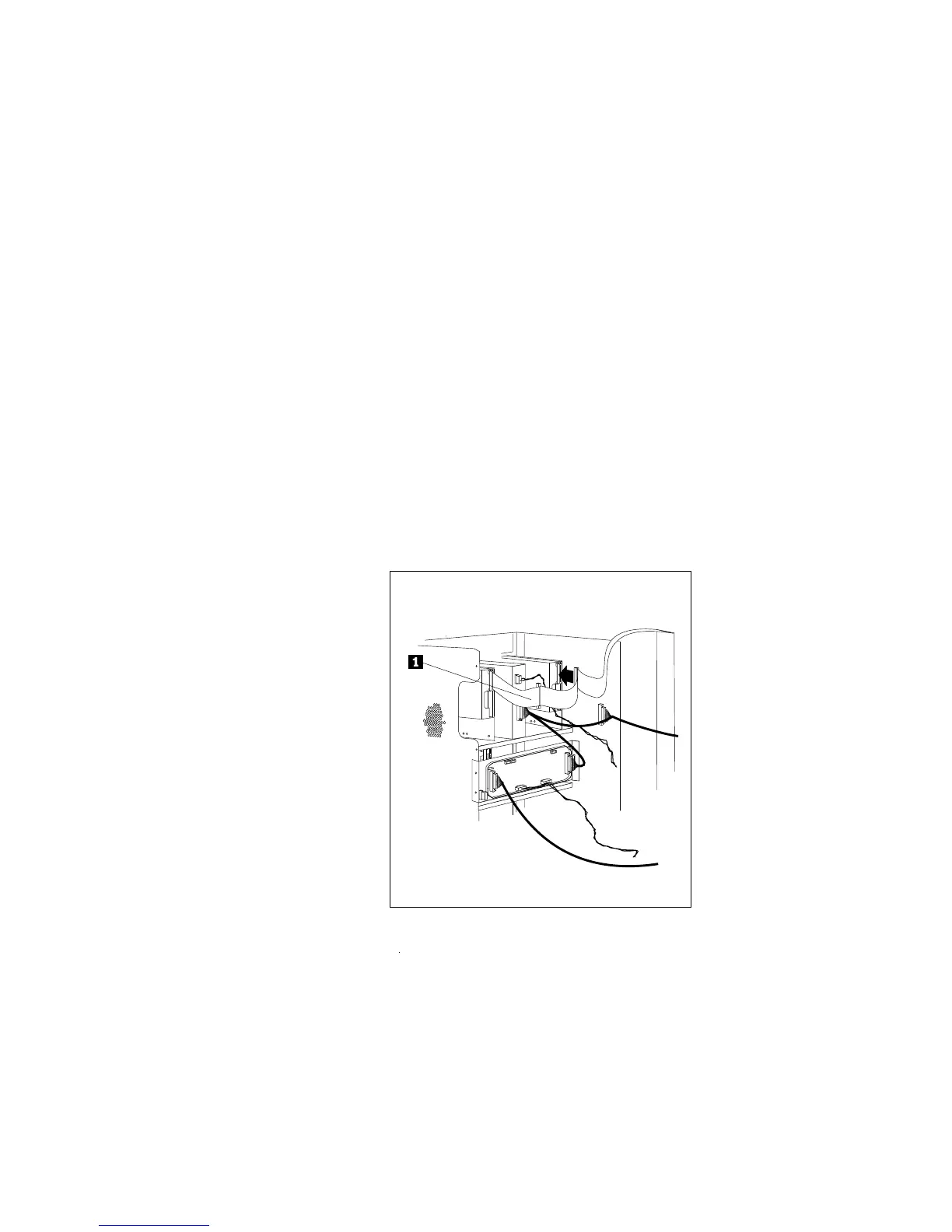
a. If you are removing a full-length adapter or a half-length
SCSI-2 adapter, disconnect the diskette cable .1/ from the
connector by pressing the plastic levers on each side of the
cable.
b. Note the slot number of the adapter that you are removing.
c. Loosen and remove the screw on top of the adapter bracket.
d. If there are any internal cables attached to the adapter,
disconnect them.
192 PC Server 520 User's Handbook for PCI/EISA








 To Next Page