Installing Internal Drives
Installing Internal Drives
If you add different types of drives, your system can read different
types of media and store more data. Several types of drives are
available, such as:
Diskette
Hard disk
Rewritable optical disc
Tape
Your server has hardware that lets you replace a failed hard disk
drive without turning off the server. Therefore, you have the
advantage of continuing to operate your system while a hard disk
drive is removed or installed. These drives are also known as
hot-swap drives.
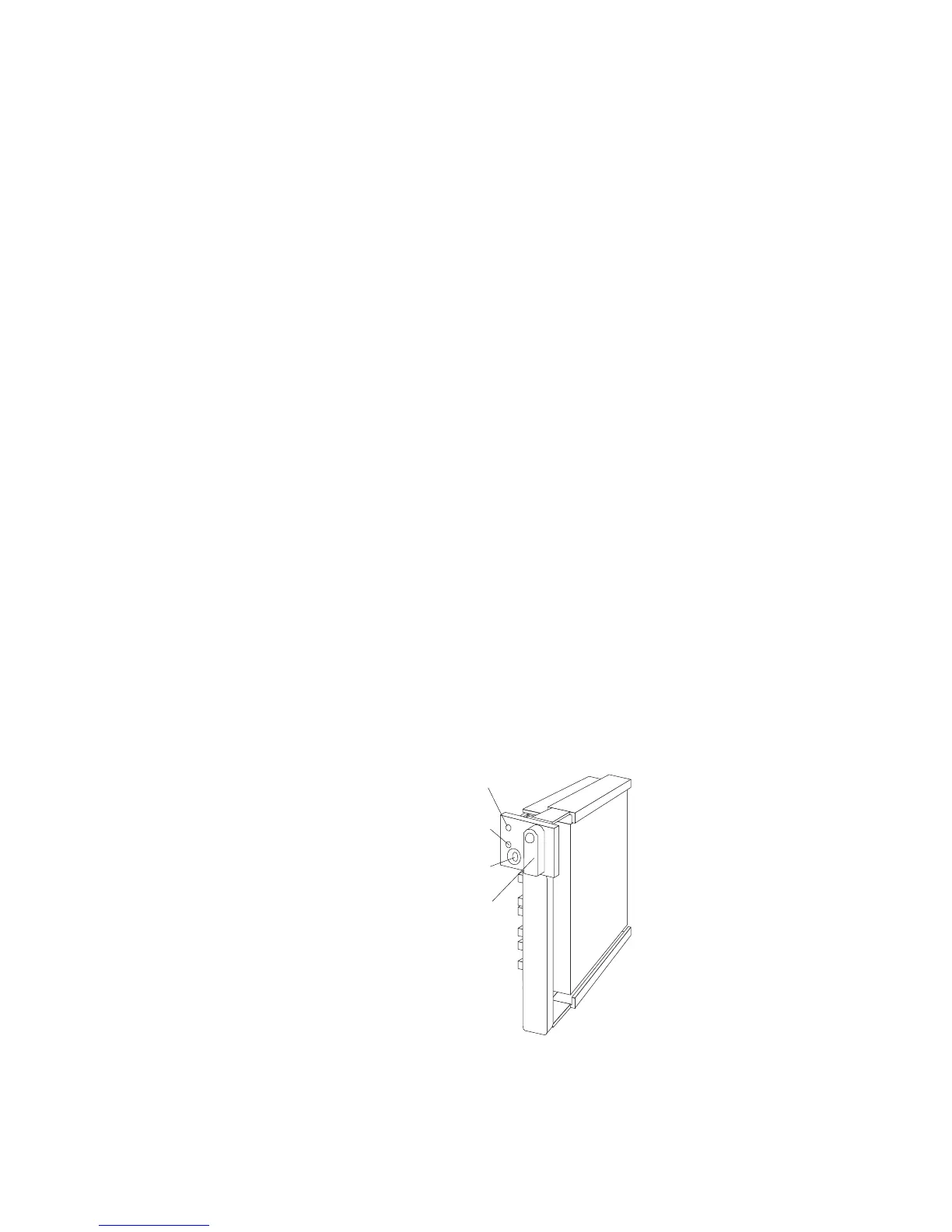
The hot-swap drive tray III for your server has a small switch that
stops the movement of the disk drive. The tray also provides two
LEDs (one green and one amber) to indicate the current state of the
drive and tray.
Locked
Position
Green
Light
Amber
Light
Power-Off
Switch
Chapter 5. Installing Options 197








 To Next Page