Installing Internal Drives
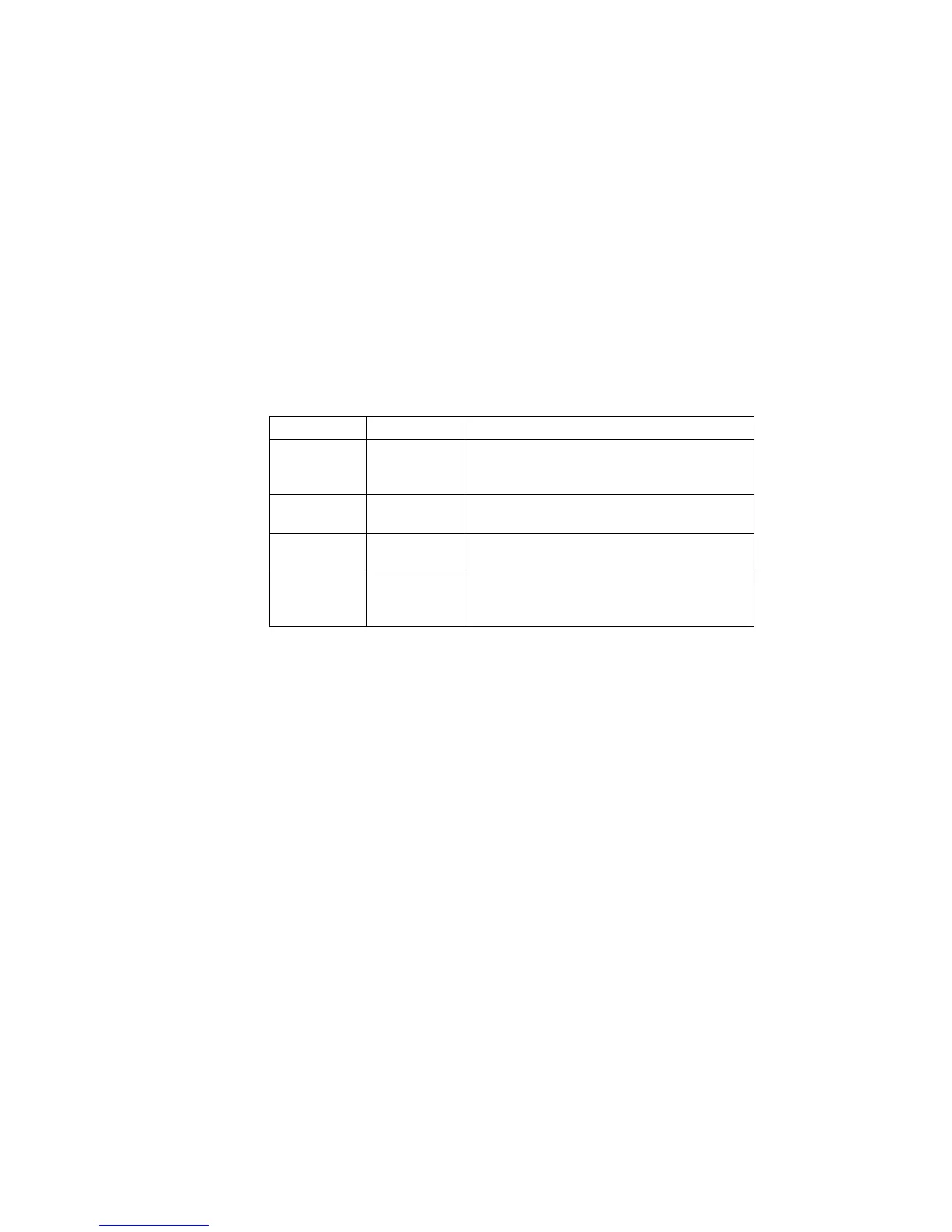
The following table summarizes the LED states on your hot-swap
tray and their meanings.
Each hot-swap drive that you plan to install must have a hot-swap
drive tray III attached. Trays are available for two drive types:
narrow and wide. The narrow tray supports 8-bit drives; the wide
tray supports 16-bit drives. Select the appropriate drive trays for
your hot-swap drives. If necessary, contact your IBM reseller or
IBM marketing representative to purchase the types of drive trays
that you need.
Internal drives are installed in bays. A diskette drive and a
CD-ROM drive are preinstalled in bay A in all models. A
removable CD storage compartment is shipped in bay B1. You can
install two drives in bay B. You can install hot-swap hard disk
drives in banks C, D, and E only. Banks C, D, and E each contain
The number of preinstalled hard disk drives in bank C varies
according to the model that you purchased. You can install up to
six drives in bank D and up to six drives in bank E.
Green Amber Description
On Off Drive tray is powered on; the hard disk drive
is inactive; and the drive should not be
removed.
Blinking Off The hard disk drive is inactive. The hot-swap
drive can be removed safely.
On On or
Blinking
The hard disk drive is in use and should not
be removed.
Off Off The drive is defective, or no power is being
supplied to the drive. The hot-swap drive can
be removed safely.
198 PC Server 520 User's Handbook for PCI/EISA








 To Next Page