Installing Internal Drives
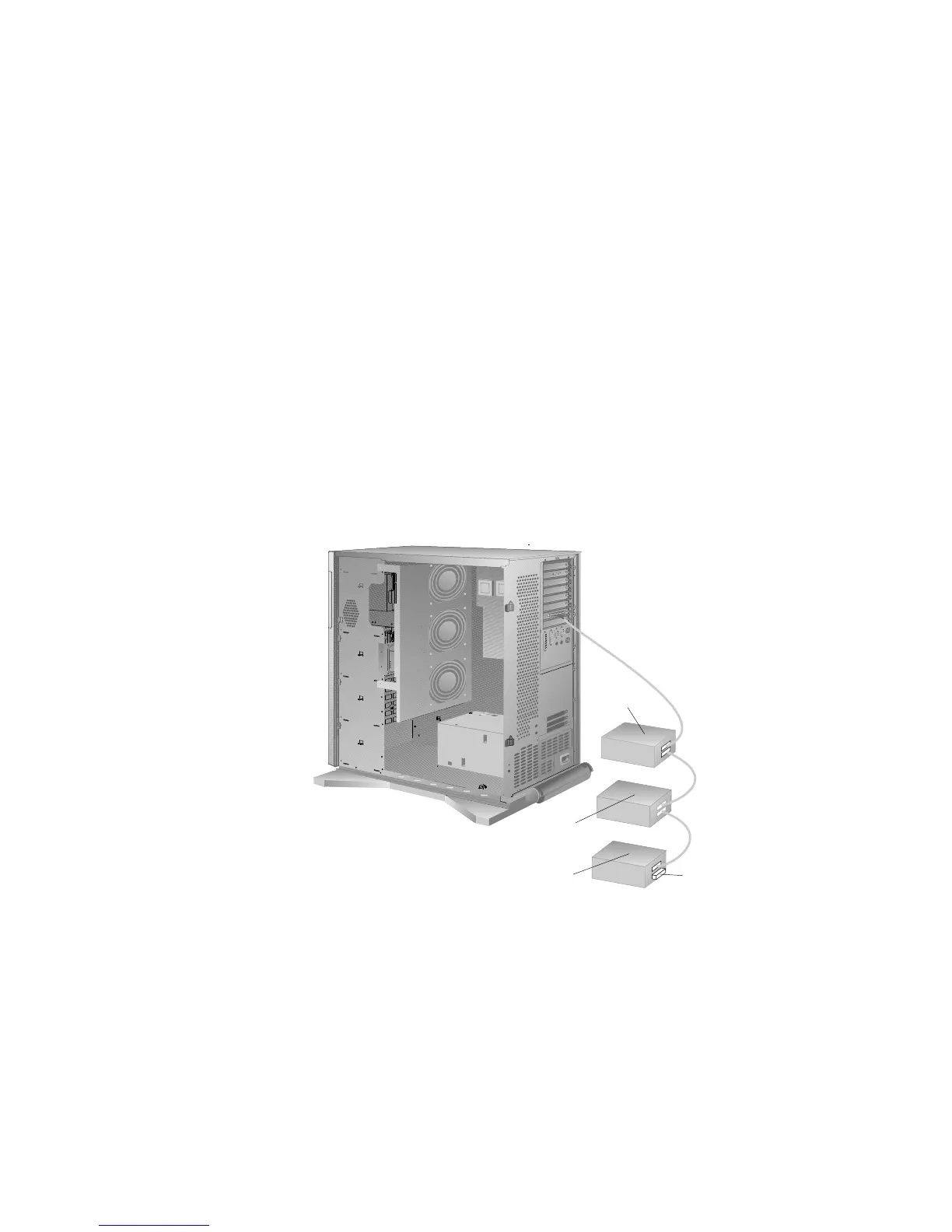
When SCSI devices are chained, both ends of the chain (cable)
require a terminator. The purpose of these terminators is to ensure
that the quality of the signal is maintained throughout the SCSI
chain. If you attach SCSI devices (internal or external), you might
need to terminate the last device in the chain.
Note: The backplanes automatically set termination for all the
drives in the hot-swap bays.
ID 6
ID 5
ID 4
Terminator
The SCSI-2 adapter automatically adjusts for termination. (Refer to
the instructions that come with the SCSI device for more
information about terminators. Refer to the User's Reference for
additional information about your server SCSI subsystem.)
Note: Be sure to read the README file on the SCSI-2 Option
Diskette for any last-minute updates.
Chapter 5. Installing Options 203








 To Next Page