Installing Internal Drives
4. Slide the diskette drive and the CD-ROM drive forward. If you
do not have enough room to connect the cables to the new
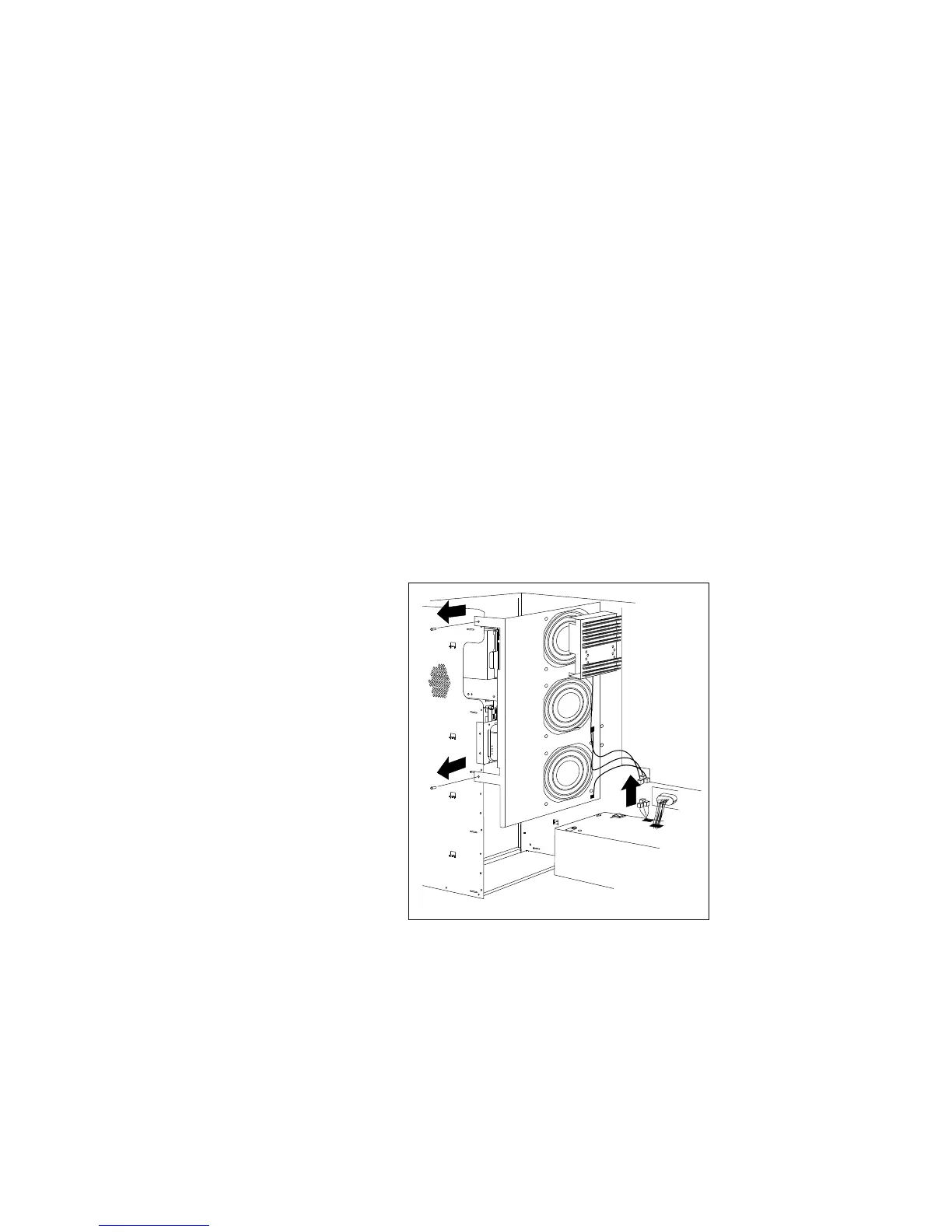
drive, remove the fan assembly:
a. Disconnect the fan assembly cable from the fan bracket.
Attention: To avoid damage and ensure proper server
operation, handle the fan assembly carefully.
b. Remove the two screws that hold the fan assembly in place.
c. Remove the fan assembly by sliding it up and pulling it out.
Chapter 5. Installing Options 211








 To Next Page