Installing Internal Drives
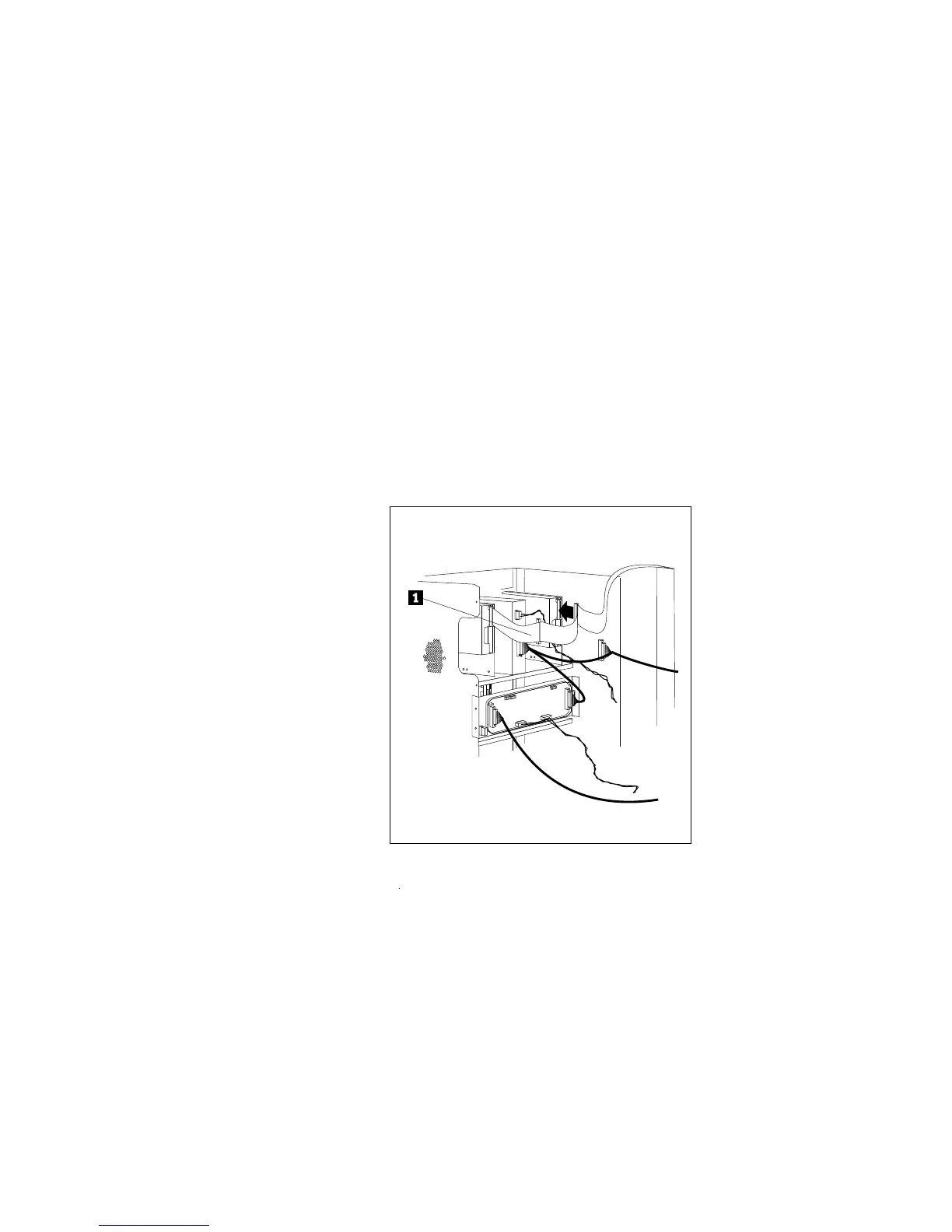
5. Connect the cables:
a. If you are installing a diskette drive, locate the flat cable
behind bay A .1/. The cable has two available diskette
drive connectors. The diskette drive in bay A is already
attached to the diskette drive cable. Attach the appropriate
connector to your drive.
Note: Empty cable connectors have been omitted for clarity.
b. If you are installing a SCSI drive, locate the SCSI drive
connector. (There is only one SCSI connector available.)
c. Attach the power cable connector to the 4-pin connector on
the drive.
212 PC Server 520 User's Handbook for PCI/EISA








 To Next Page