Installing Internal Drives
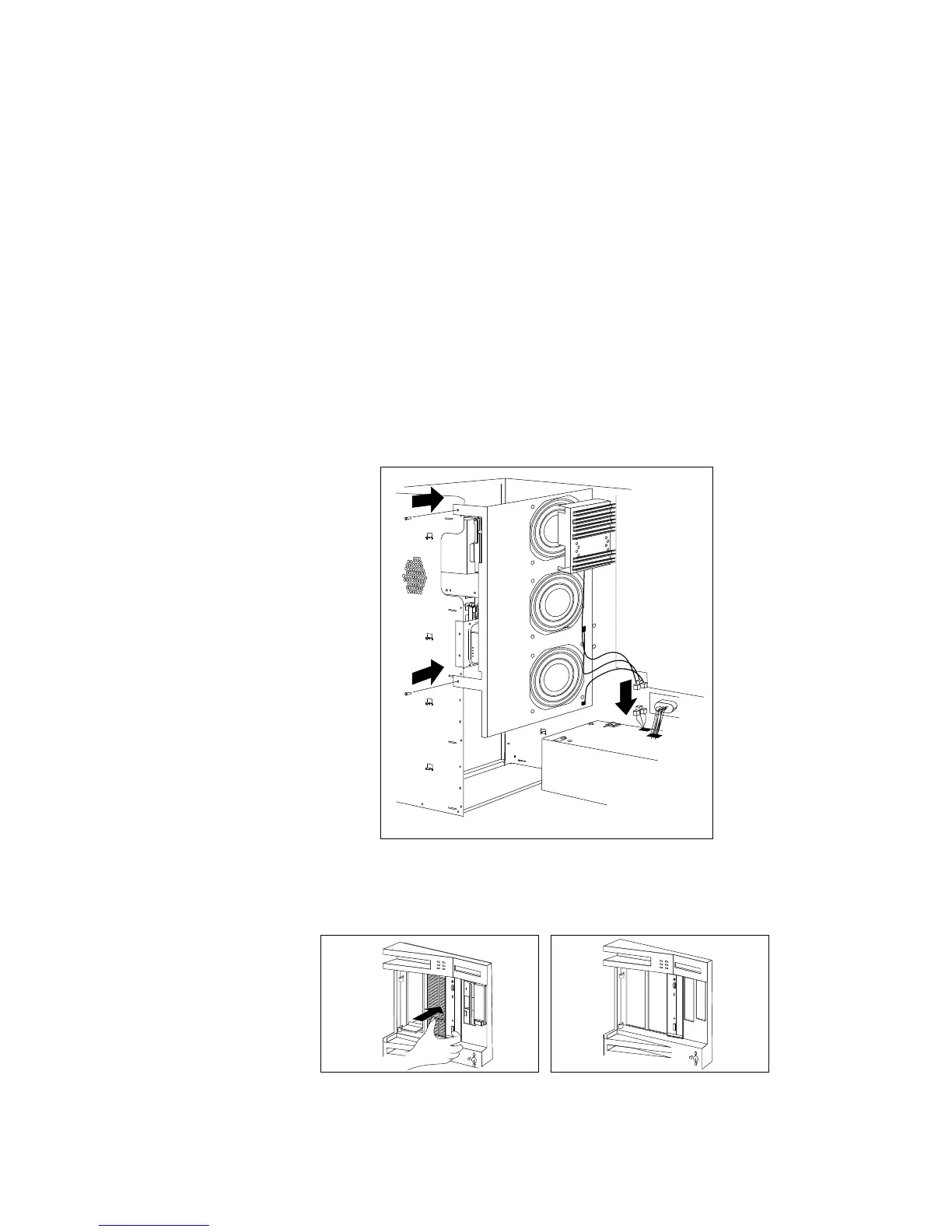
6. If you removed the fan assembly, reinstall it with the two
screws that you removed in step 4 on page 211.
Reconnect the fan assembly cable.
7. If you installed a removable-media drive in bay B2, remove the
cover plate from the front cover by pushing it, gently, out of the
front cover.
Chapter 5. Installing Options 213








 To Next Page