Installing Internal Drives
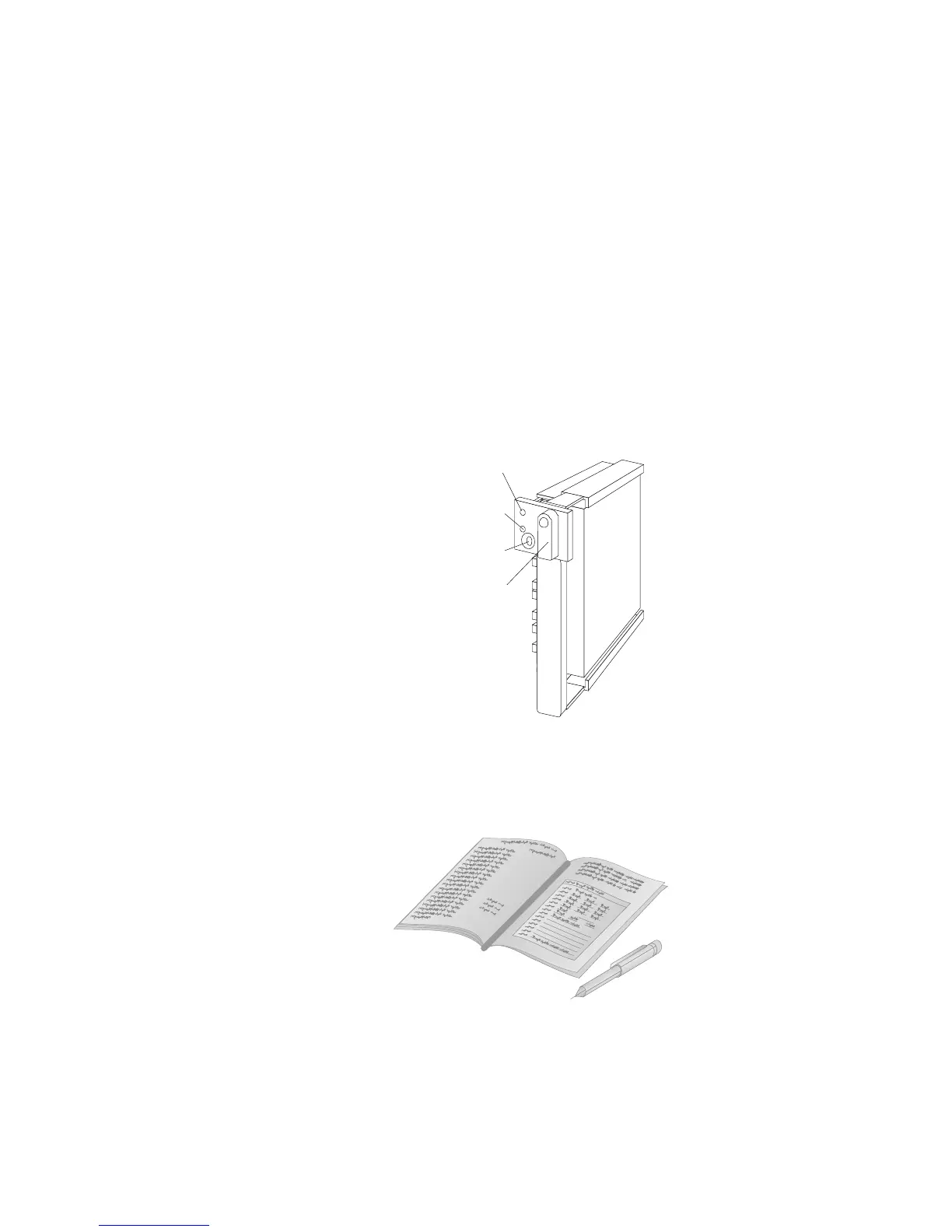
Note: If you turned on the server before installing the drive, the
green light on the front of the drive tray illuminates,
indicating that the drive was installed correctly.
Locked
Position
Green
Light
Amber
Light
Power-Off
Switch
3. Go to Table 6 on page 384 to record the drive location and the
SCSI ID that is assigned to the drive (see “SCSI Drives” on
page 201 for details); then, return here to determine your next
step.
Note: If your server is a disk-array model, you must reconfigure
your disk arrays after you install hard disk drives. See
“Starting the ServeRAID Configuration Program” on page 86
for details.
Chapter 5. Installing Options 219








 To Next Page