Installing Internal Drives
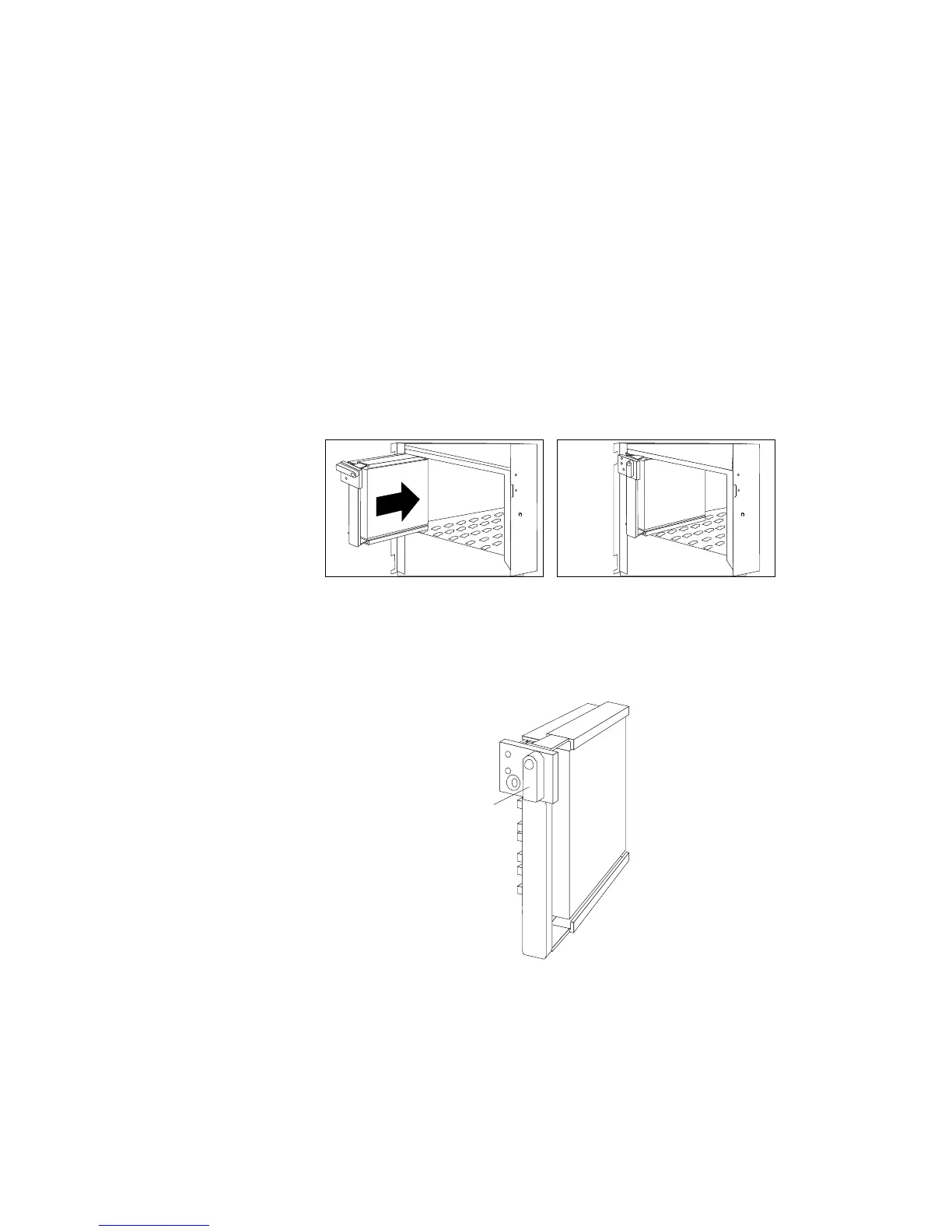
c. Align the side of the tray with the raised guides on the
bottom of the bay. (Note the arrows pointing toward the
backs of the bays.)
d. Slide the tray to the rear of the bay until it stops. Be sure it
is connected properly to the backplane.
e. Move the tray knob to the locked position.
Locked
Position
218 PC Server 520 User's Handbook for PCI/EISA








 To Next Page