Installing Internal Drives
1. Each drive that you plan to install in bank C and connect to a
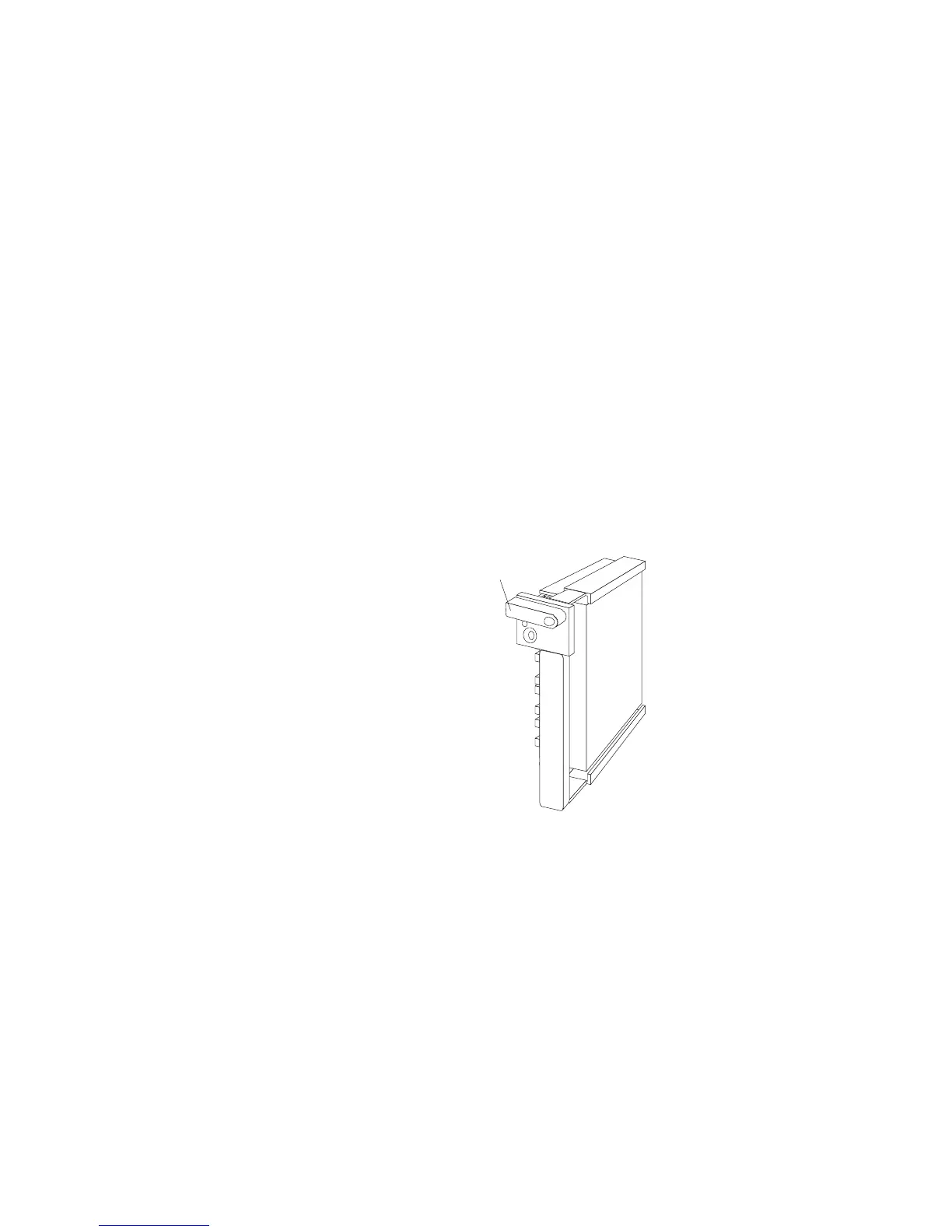
hot-swap backplane III must have a hot-swap drive tray III
attached. If your drive has a different tray attached, remove it
and attach the appropriate drive tray to your drive. Follow the
instructions in the kit that contains the hot-swap drive tray III.
2. Install the hard disk drive:
a. Move the tray knob to the open position.
Unlocked
Position
b. Position the drive tray assembly vertically, with the
connector facing the rear of the server.
Chapter 5. Installing Options 217








 To Next Page