Installing Internal Drives
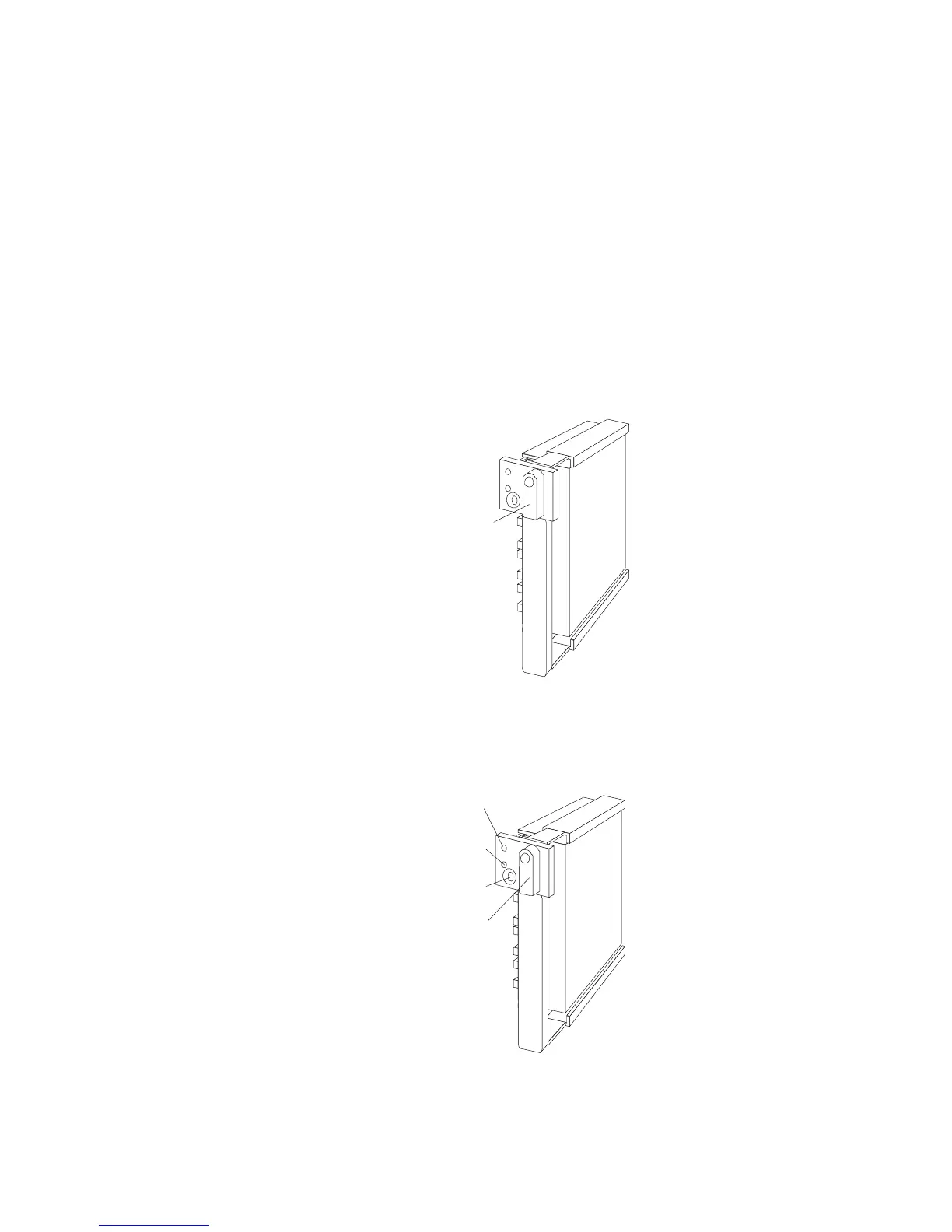
e. Move the tray knob to the locked position.
Locked
Position
Note: If you turned on the server before installing the drive, the
green light on the front of the drive tray illuminates,
indicating that the drive was installed correctly.
Locked
Position
Green
Light
Amber
Light
Power-Off
Switch
230 PC Server 520 User's Handbook for PCI/EISA








 To Next Page