Installing Internal Drives
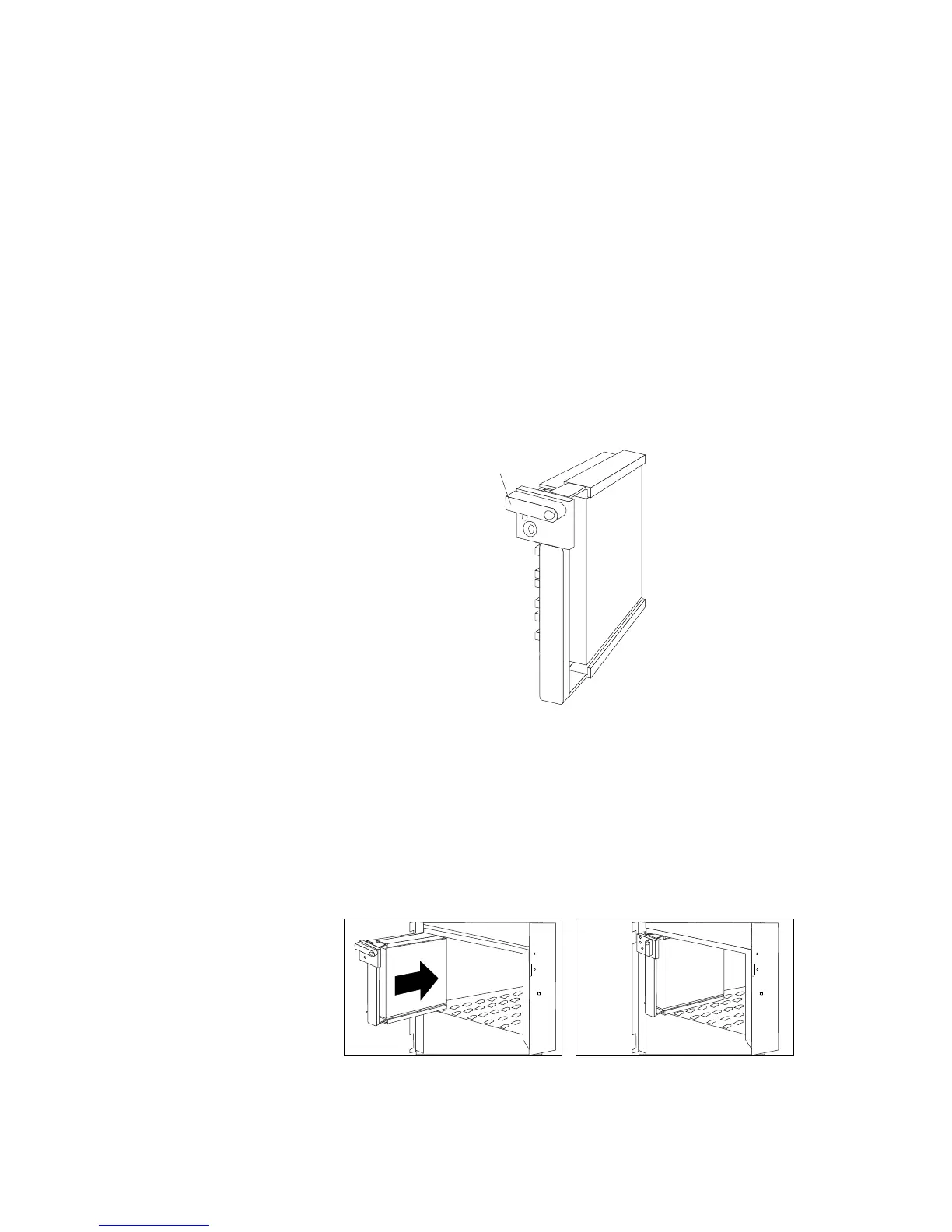
18. Install the hard disk drive in bank D:
a. Move the tray knob to the open position.
Unlocked
Position
b. Position the drive tray assembly vertically, with the
connector facing the rear of the server.
c. Align the side of the tray with the raised guides on the
bottom of the bay. (Note the arrows pointing towards the
backs of the bays.)
d. Slide the drive tray to the rear of the bay until it connects to
the backplane. Be sure it is connected properly to the
backplane.
Chapter 5. Installing Options 229








 To Next Page