Installing Internal Drives
14. Each drive that you plan to install in bank D must have a
hot-swap-drive tray attached. If your drive comes with a
different tray, remove it and attach the appropriate
hot-swap-drive tray to your drive. Follow the instructions in
the kit that contains the hot-swap-drive tray.
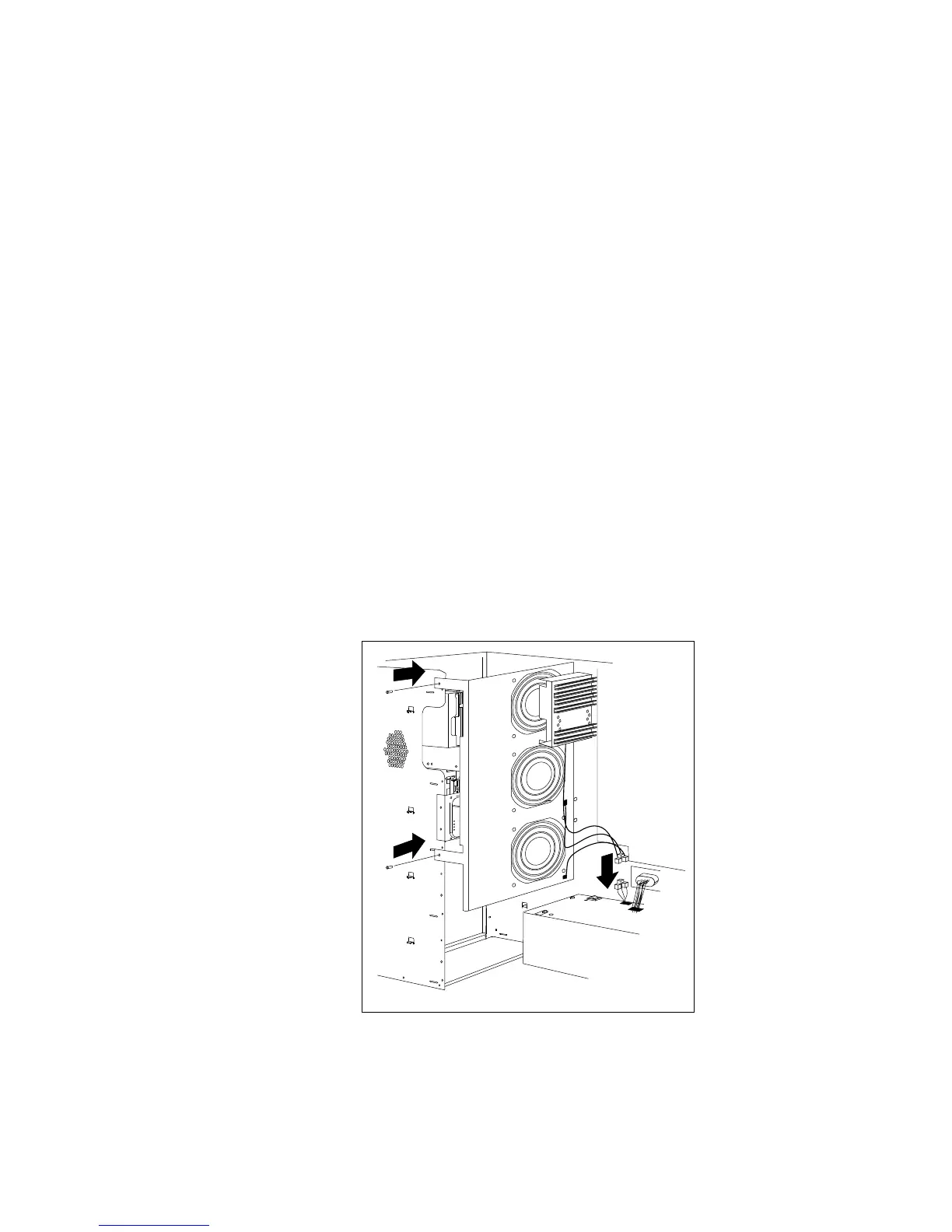
15. Reinstall the fan assembly that you removed in step 3 on
page 223.
16. Reinstall the fan assembly screws that you removed in step 2 on
page 223.
17. Reconnect the fan assembly cable that you disconnected in
step 1 on page 223.
228 PC Server 520 User's Handbook for PCI/EISA








 To Next Page