Removing Internal Drives
Removing Internal Drives
Before you begin:
Be sure you have:
Read “Electrical Safety” on page 161 and “Handling
Static-Sensitive Devices” on page 162.
Opened the front cover, and if necessary, removed the side
cover (see “Preparing to Install Options” on page 163).
Determined the correct location of a failed hard disk drive.
If you have a disk-array model, see “Logical and Hard Disk
Drive Status Indications” on page 111 for additional
information.
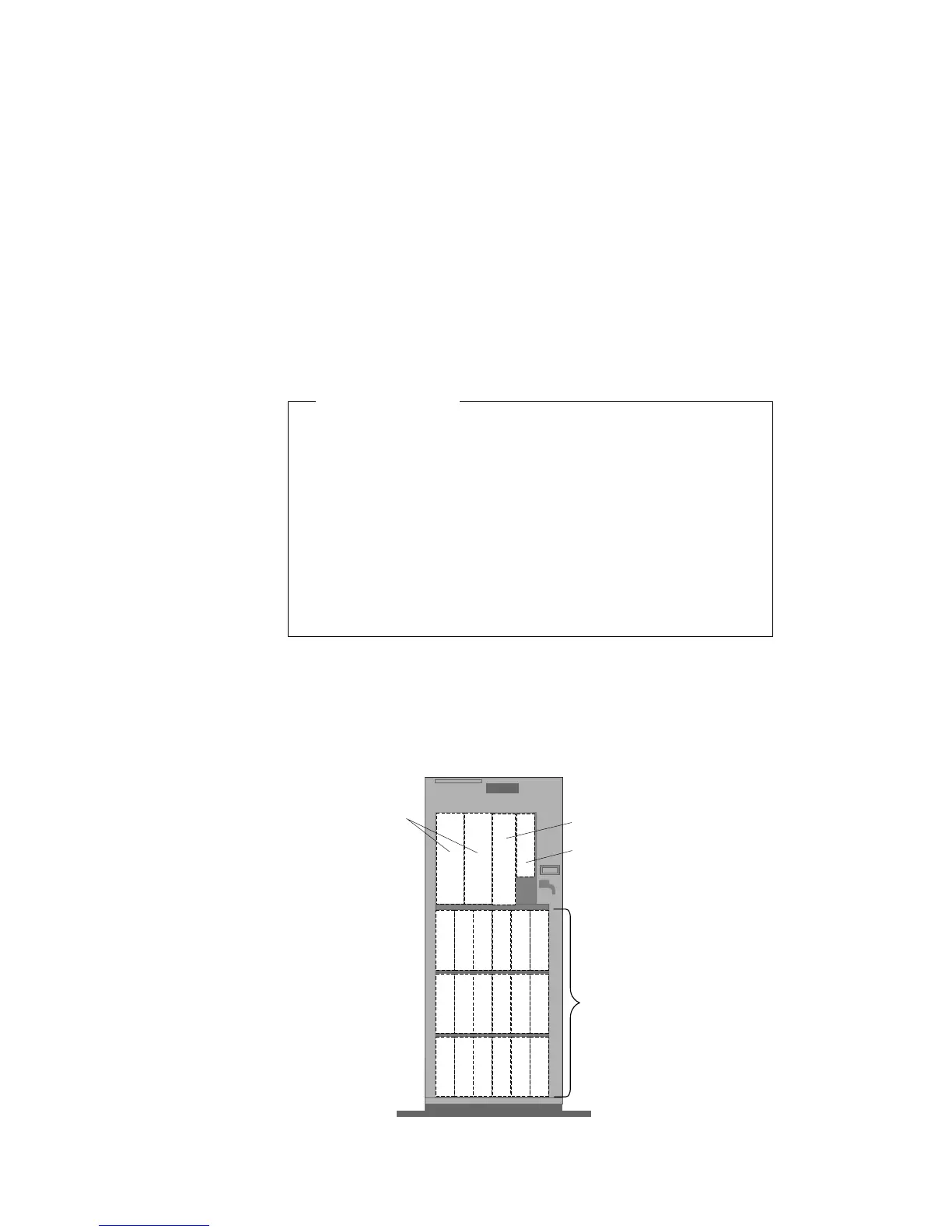
To remove a drive from bay B, go to “Removing a Drive from Bay
B” on page 242.
To remove a drive from bank C, D, or E, go to “Removing a Drive
from Bank C, D, or E” on page 245.
B1 B2
CD-ROM Drive (Bay A1)
Diskette Drive (Bay A2)
Open Bays
Bank C
Bays 1 - 6
Bank D
Bays 1 - 6
Bank E
Bays 1 - 6
Open Bays
Chapter 5. Installing Options 241








 To Next Page