Removing Internal Drives
Removing a Drive from Bay B
Note: To locate bay B, see the illustration given under “Removing
Internal Drives” on page 241.
To remove a drive from bay B, do the following steps:
1. Find the drive that you plan to remove.
2. Slide the drive halfway out of the front of the bay.
3. Disconnect the appropriate cables from the back of the drive.
4. Remove the drive from the bay. Store the drive in a safe place.
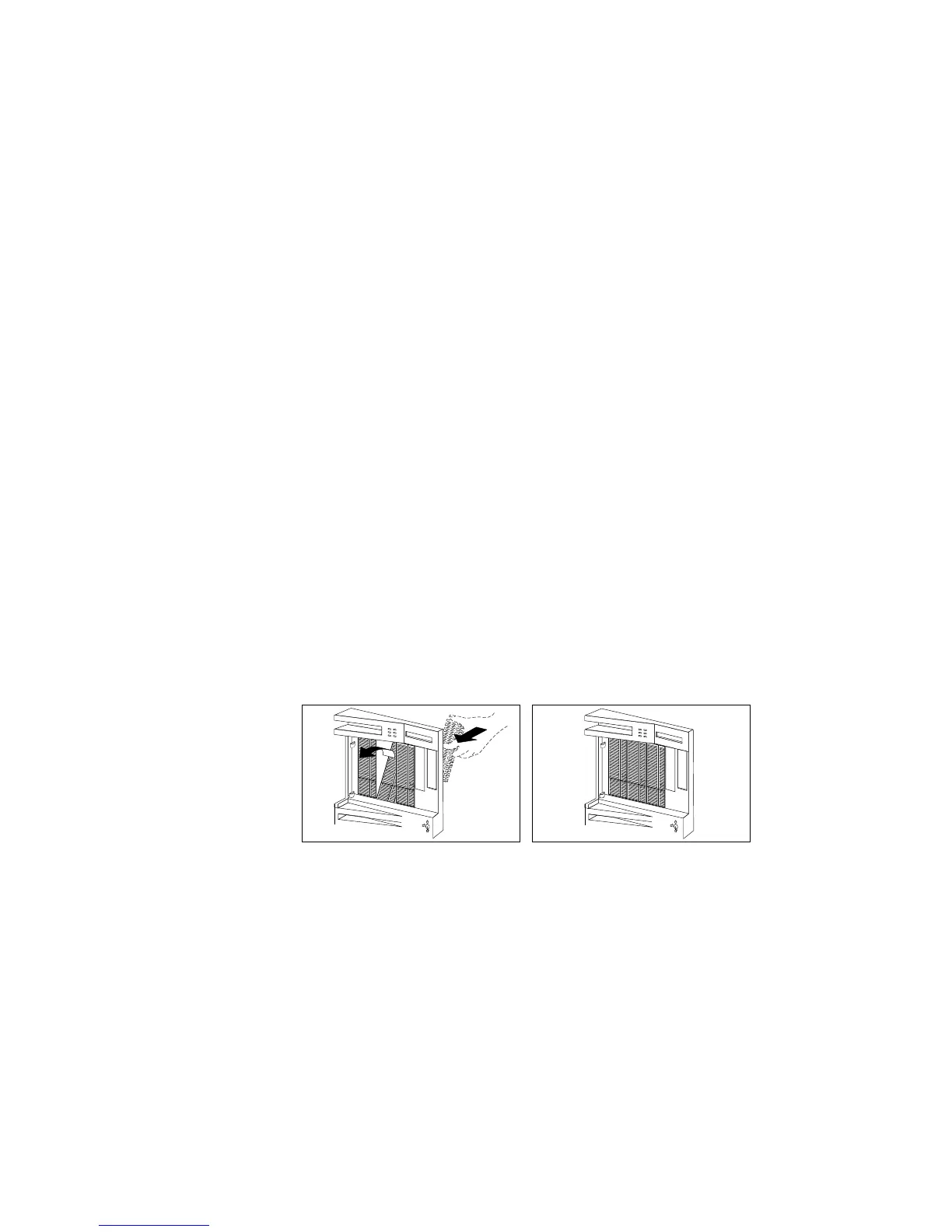
5. If you are not installing another removable media drive in the
bay, replace the cover plate. A cover plate (complete bezel) was
removed from the server front cover when you installed the
drive. Insert the cover plate by pushing it, gently, into the front
cover.
a. You can adjust the size of the cover plate as shown in the
following illustration.
242 PC Server 520 User's Handbook for PCI/EISA








 To Next Page