Removing Internal Drives
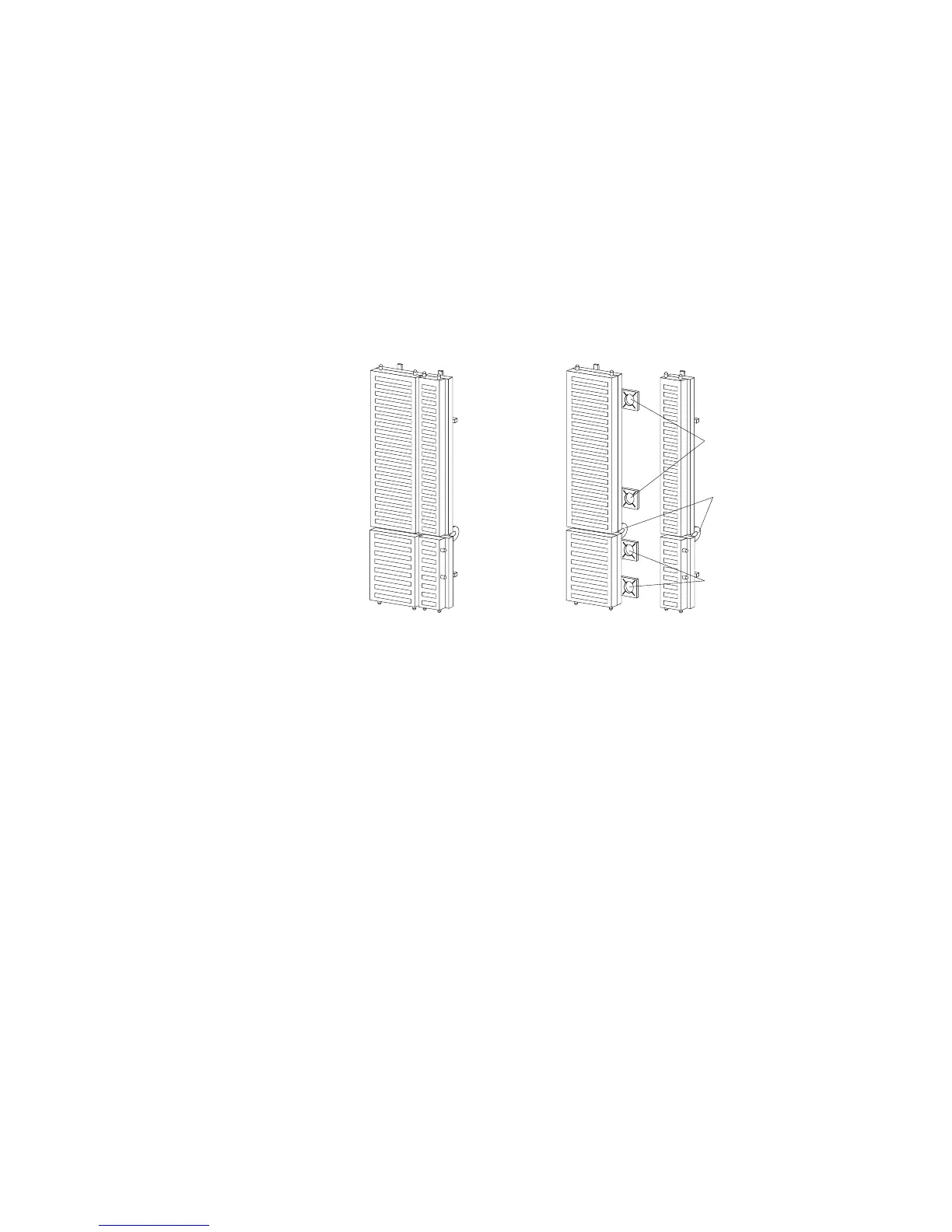
Complete Bezel
Break
Unsnap
Unsnap
b. Press the cover plate into place in the front cover.
6. What to do next?
If you are removing another internal drive from bay B,
return to step 1 on page 242.
If you are installing another internal drive in bay B, go to
step 1 on page 205.
If you are removing an internal drive from bank C, D, or E,
go to “Removing a Drive from Bank C, D, or E” on
page 245.
If you are not installing or removing another internal drive,
continue with the next step.
Chapter 5. Installing Options 243








 To Next Page