Completing the Installation
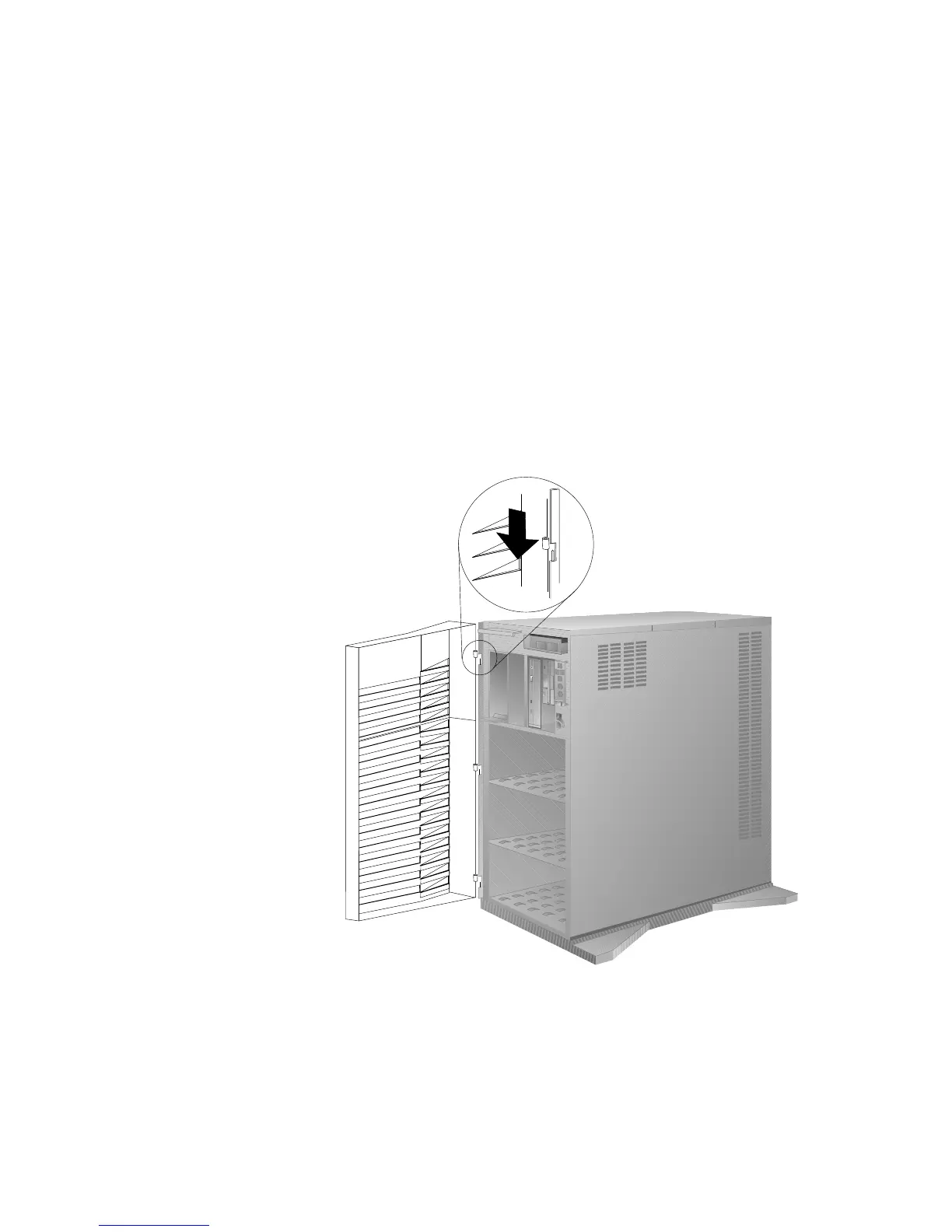
2. If you removed the front cover, reinstall it:
Note: Before installing the front cover, verify that the side cover
is installed correctly. If the side cover is not properly
installed, the front cover will not align correctly when
you attempt to install it.
a. Align the hinges on the front cover with the pins on the
server.
b. Slide the door down.
3. Close and lock the door.
Attention: Be sure to maintain a clearance of at least 51 mm
(2 inches) on all sides of the server to allow for air circulation.
Chapter 5. Installing Options 267








 To Next Page