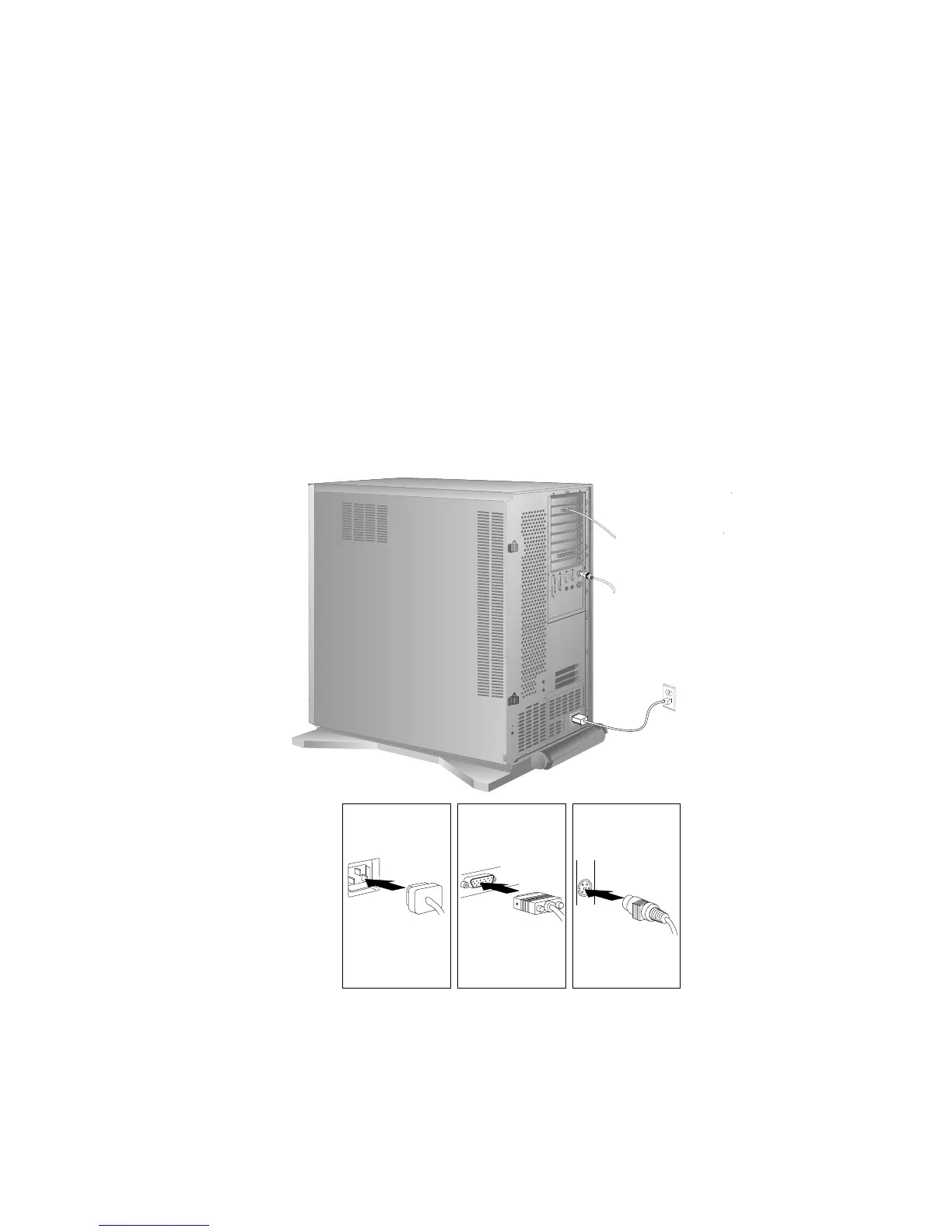
Completing the Installation
4. Connect all cables to the back of the server, then plug all power
cords into properly grounded electrical outlets.
Note: If you are in the United Kingdom and have a modem or
fax machine attached to your server, reconnect the
telephone line after you plug in the power cords.
268 PC Server 520 User's Handbook for PCI/EISA








 To Next Page