Installing a Microprocessor
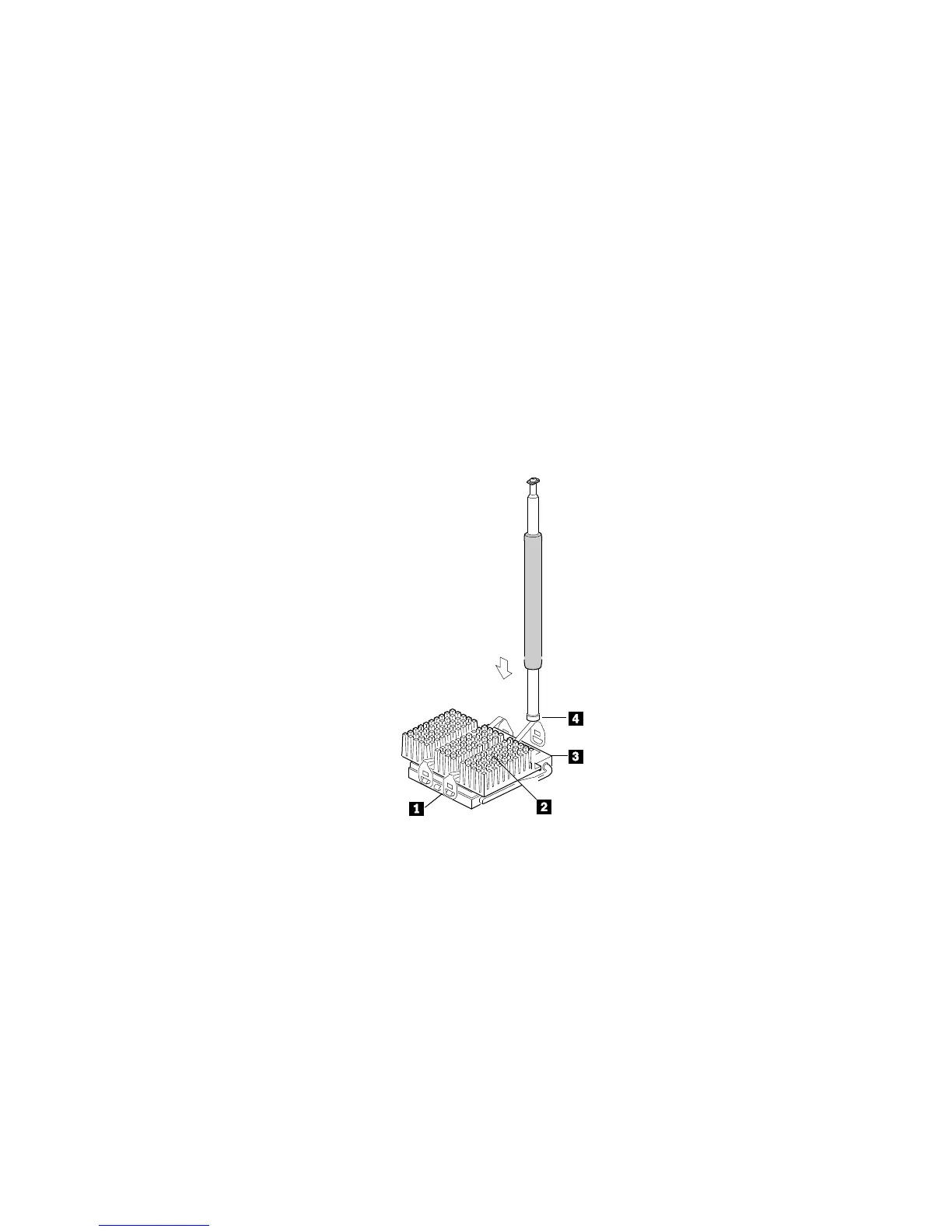
b. The following illustration shows the microprocessor/heat
sink assembly, completely attached, except for one end of
one clip. The socket .1/ contains the microprocessor .3/.
An installation tool .4/ is being used to press the remaining
end of one clip over the heat sink .2/.
Chapter 4. Installing Options 95






 To Next Page