Installing a Microprocessor
could damage the processor board or the connector
on the system board.
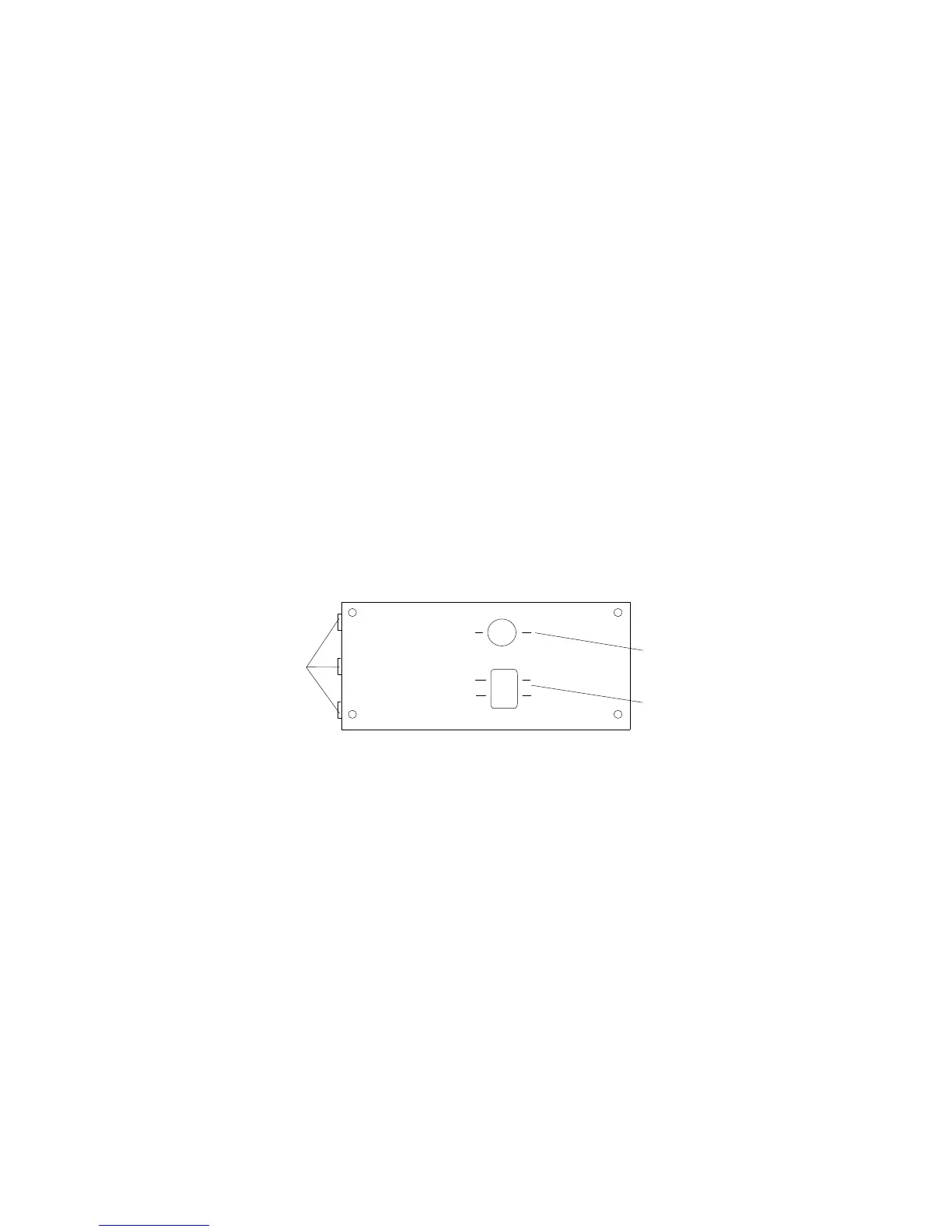
20. Reinstall the board-support panel:
a. Align the support panel so that the three tabs .1/ at the
back left edge of the panel fit into the three chassis slots.
b. Close the panel. Check to make sure that the boards in the
slots behind the panel align with the scribe marks on the
panel. Use the scribe marks at .2/ to check the alignment of
the memory board. Use the scribe marks at .3/ to check the
alignment of the processor boards.
2
3
1
c. Secure the panel with the four screws that you removed in
step 1b on page 90.
d. Reinstall the exterior side panel.
100 PC Server 704 User's Handbook






 To Next Page