Removing a Microprocessor
11. If you are installing a faster microprocessor, go to “Installing a
Microprocessor” on page 86. Otherwise, continue with the next
step.
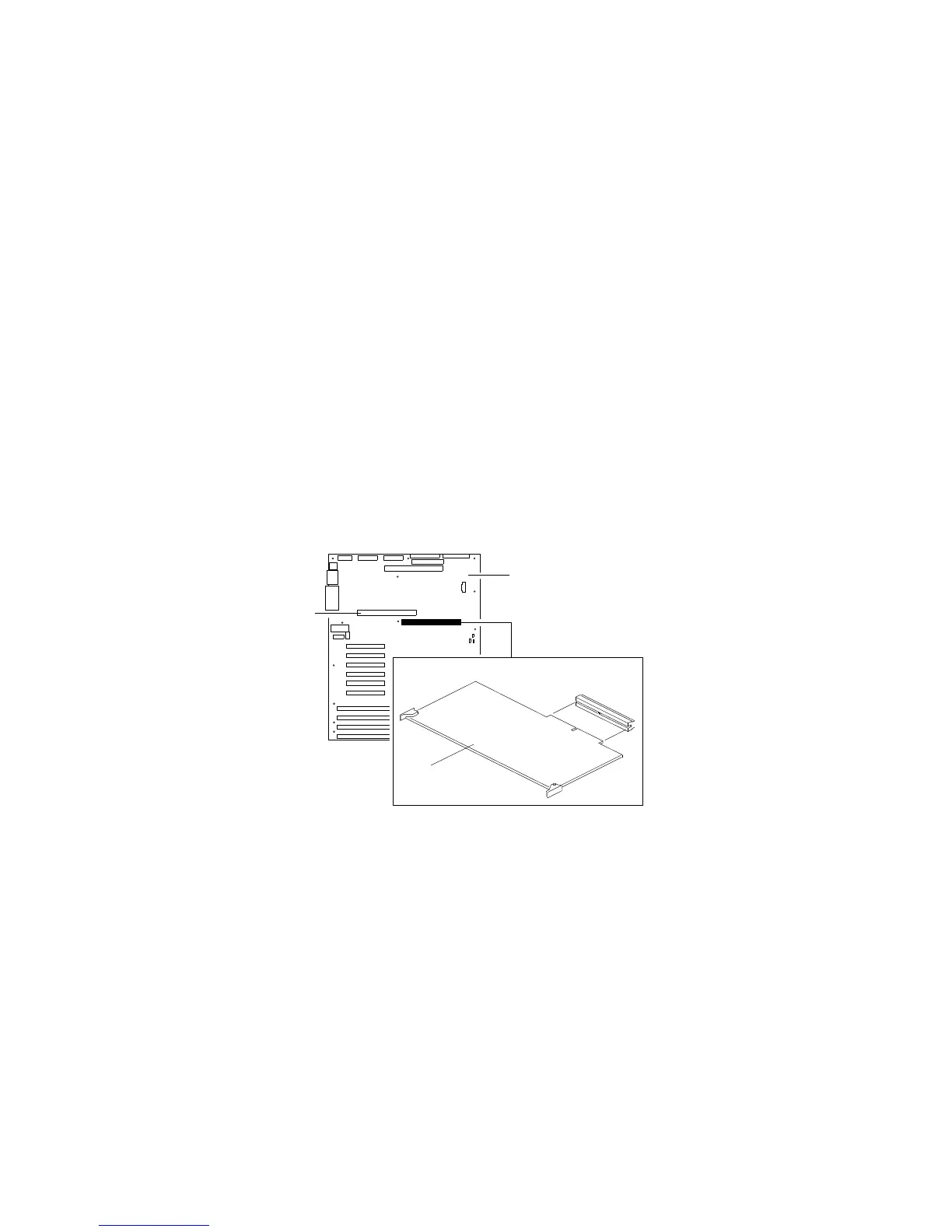
12. Reinstall the processor board .3/ in the server:
a. Locate the appropriate processor-board connector (.2/ or
.4/) on the system board .1/. Install the first processor
board in the primary connector .2/. Install the second
processor board in the secondary connector .4/.
1
2
3
4
108 PC Server 704 User's Handbook






 To Next Page