Installing Memory-Module Kits
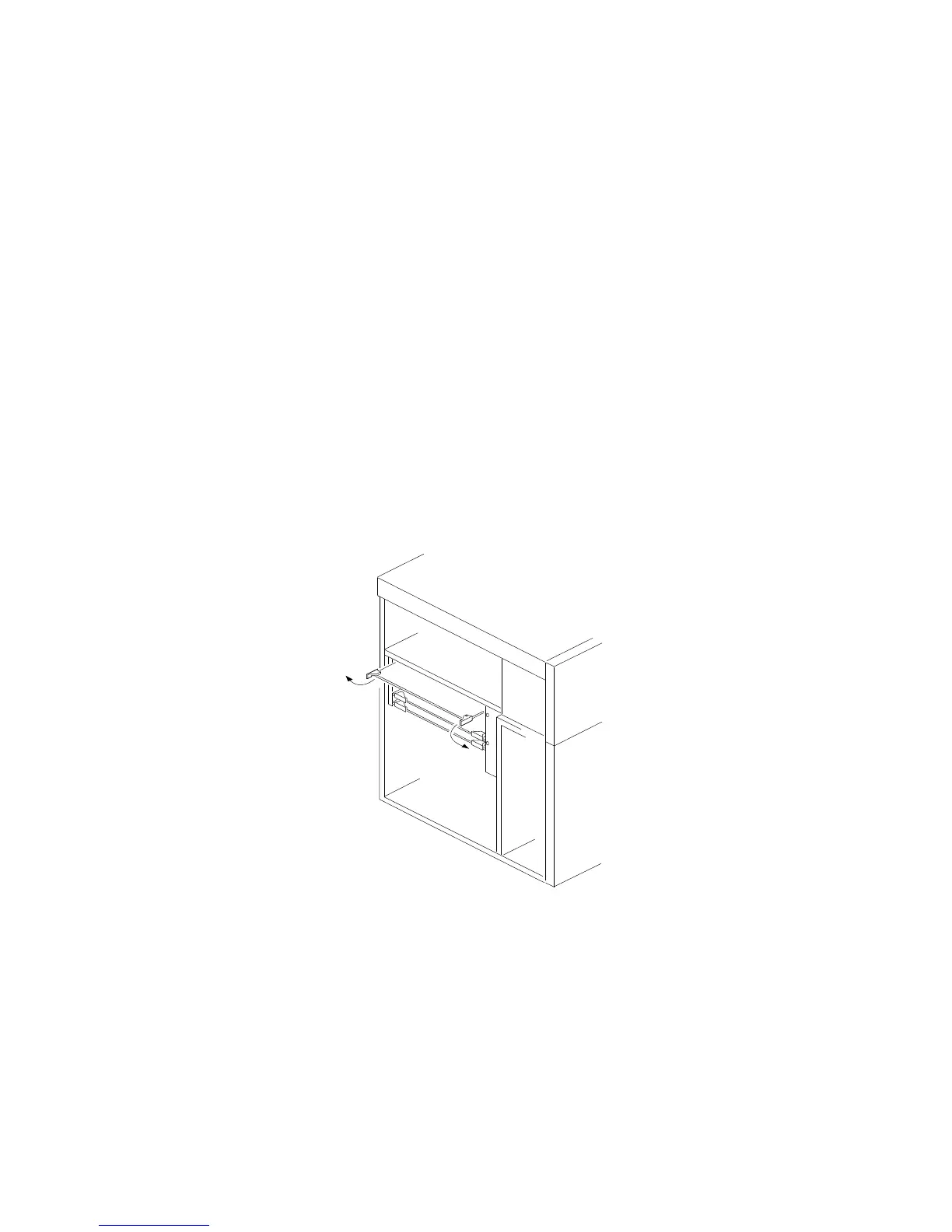
2. Remove the memory board:
a. Disconnect the memory board from the system board by
rotating the memory-board corner handles outward to a
90-degree angle from the memory board.
b. Grasp the memory-board corner handles and carefully slide
the memory board out of the slot. Avoid touching the
components and gold-edge connectors on the memory
board.
3. Place the memory board, component-side up, on a flat,
static-protective surface.
4. Locate the memory-module connectors on the memory board.
When you are instructed to install the kits (in step 6 on
page 119), install them in pairs of adjacent memory connectors,
with no vacant memory connectors in between.
118 PC Server 704 User's Handbook






 To Next Page