Installing Video Memory
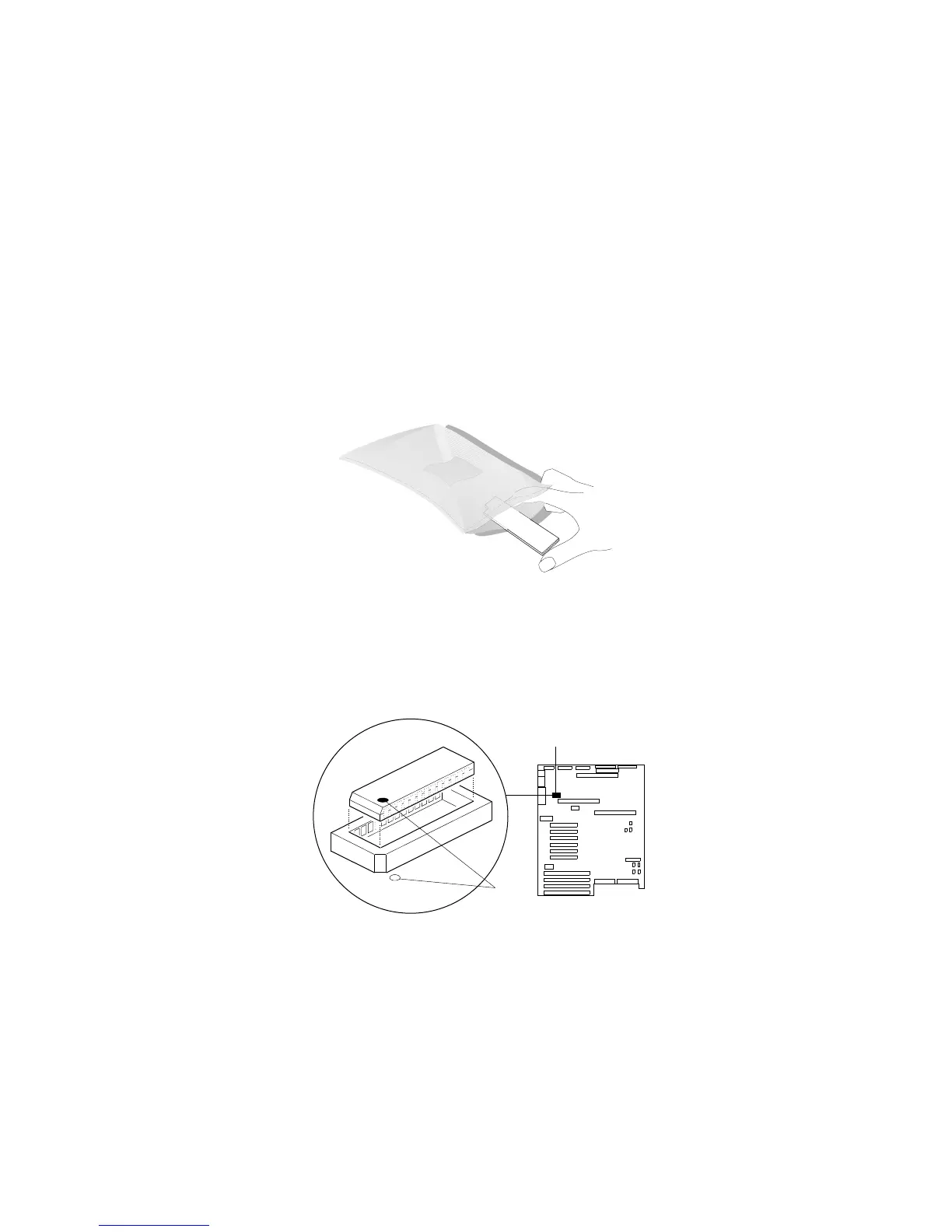
2. Touch the static-protective package to any unpainted metal
surface on the server. Then remove the DRAM from the
package.
Static
Devices
3. Locate the dot .2/ on the DRAM.
4. Carefully align the dot on the DRAM with the beveled corner of
the video-memory socket .1/ on the system board.
5. Press the DRAM down firmly into the socket.
1
2
Chapter 4. Installing Options 133






 To Next Page