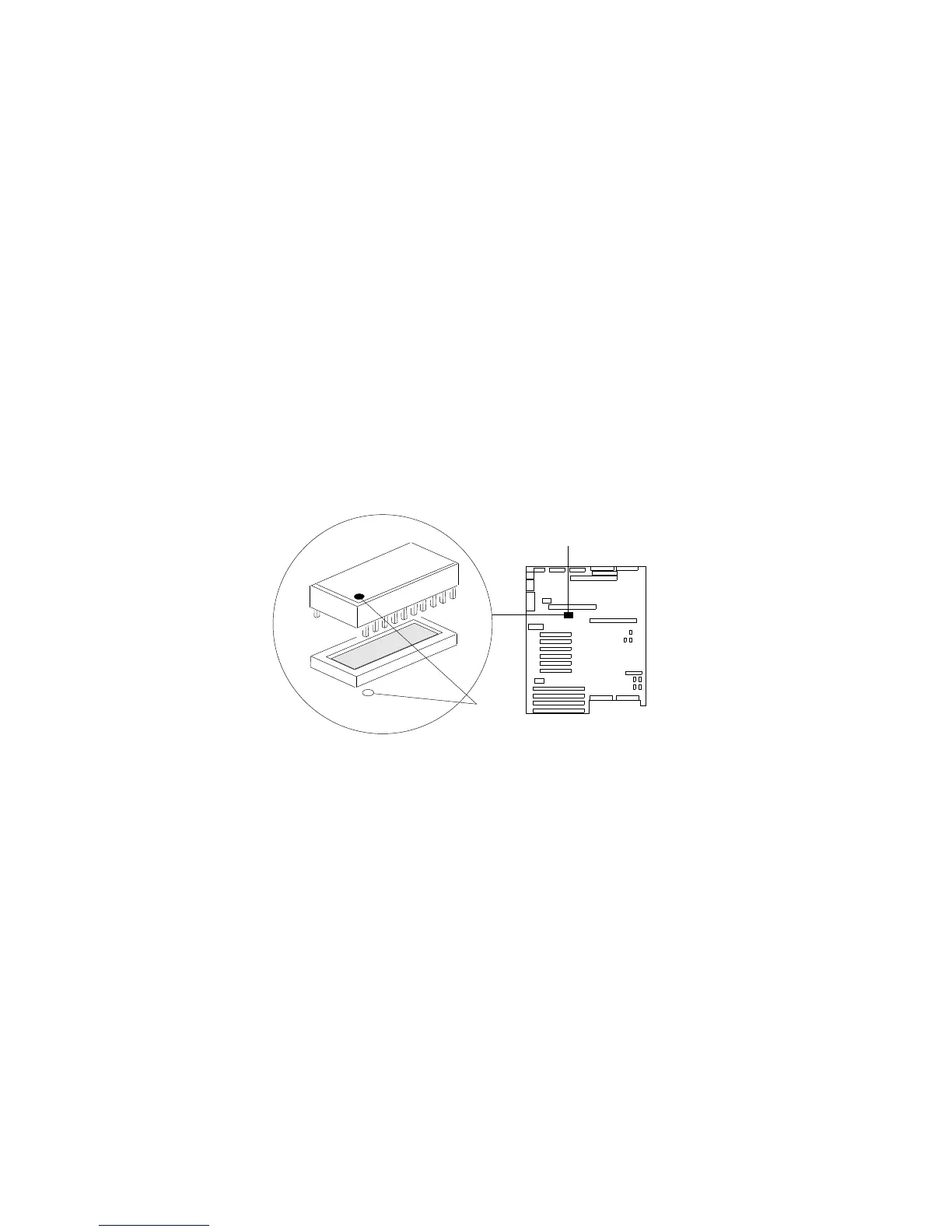
Replacing the Real-Time Clock
6. Orient the RTC so that the dot .2/ on the top aligns with the
rear of the system board.
7. Insert the pins on the RTC into the matching system-board
socket connectors .1/.
8. Carefully and firmly press the RTC downward into the socket
connectors; do not bend the pins.
1
2
140 PC Server 704 User's Handbook






 To Next Page