Installing Adapters
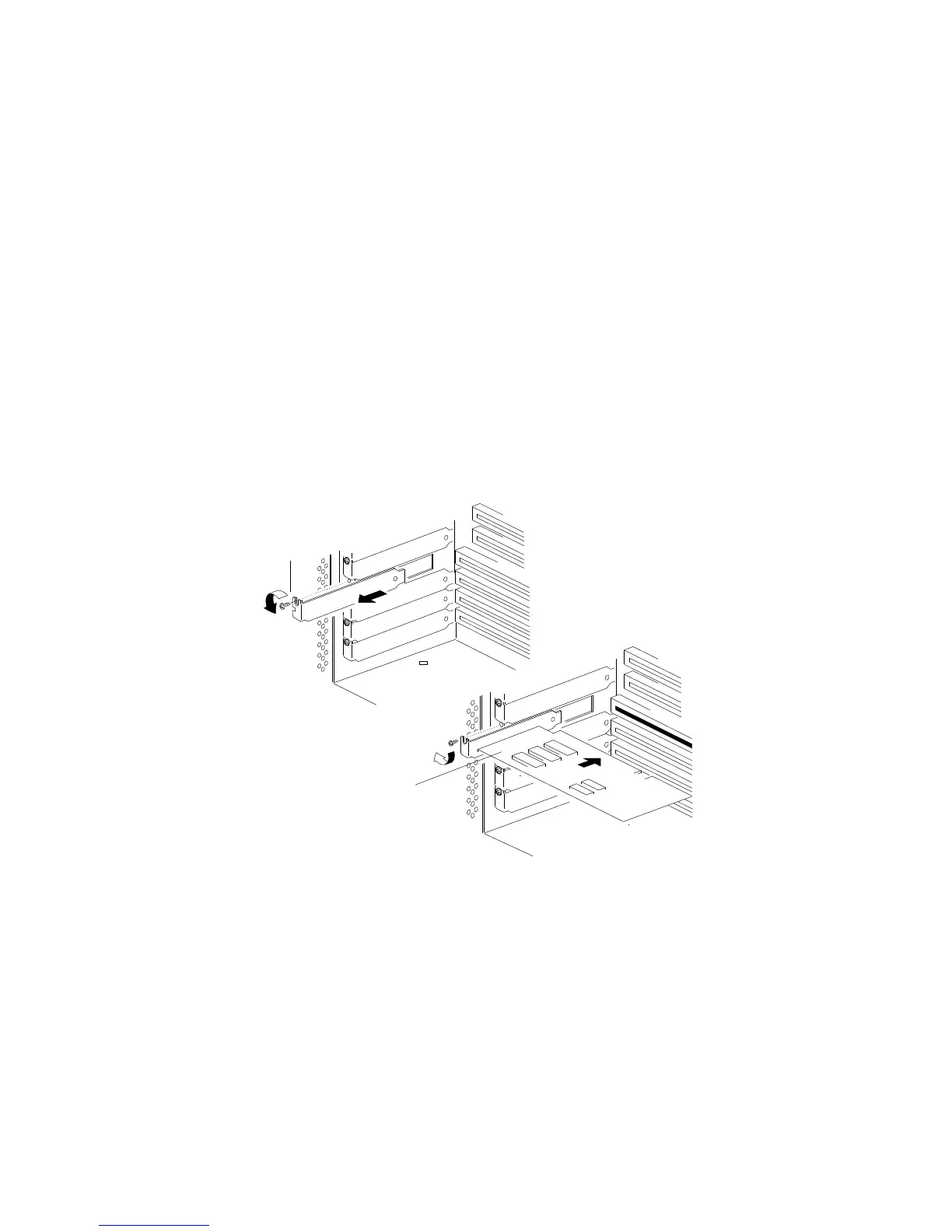
2. Remove the expansion-slot cover:
a. Loosen and remove the screw .1/ on the top of the
expansion-slot cover.
b. Slide the expansion-slot cover out of the server.
c. Store these items in a safe place for future use.
1
2
3. Remove the adapter from the static-protective package.
Note: Avoid touching the components and gold-edge
connectors on the adapter.
4. Place the adapter, component-side up, on a flat, static-protective
surface.
5. Set any jumpers or switches as described by the adapter
manufacturer.
Chapter 4. Installing Options 147






 To Next Page