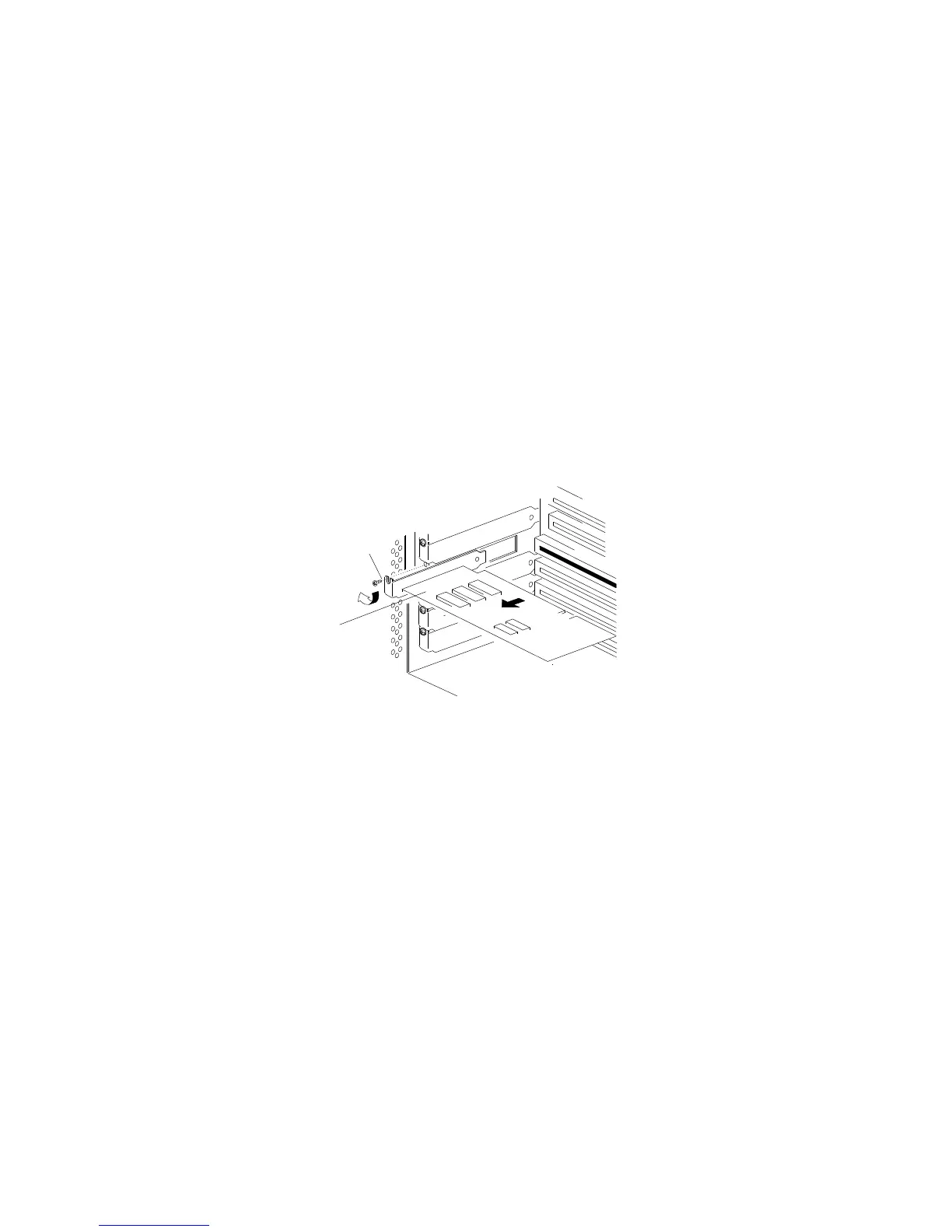
Removing Adapters
c. Loosen and remove the screw .1/ on top of the
adapter-retaining bracket. Save the screw for later use.
d. Grasp the adapter .2/ by its top edge or upper corners, and
carefully pull the adapter out of the slot. Do not scrape the
adapter against other components.
1
2
e. Store the adapter in a static-protective bag.
152 PC Server 704 User's Handbook






 To Next Page