Installing Internal Drives
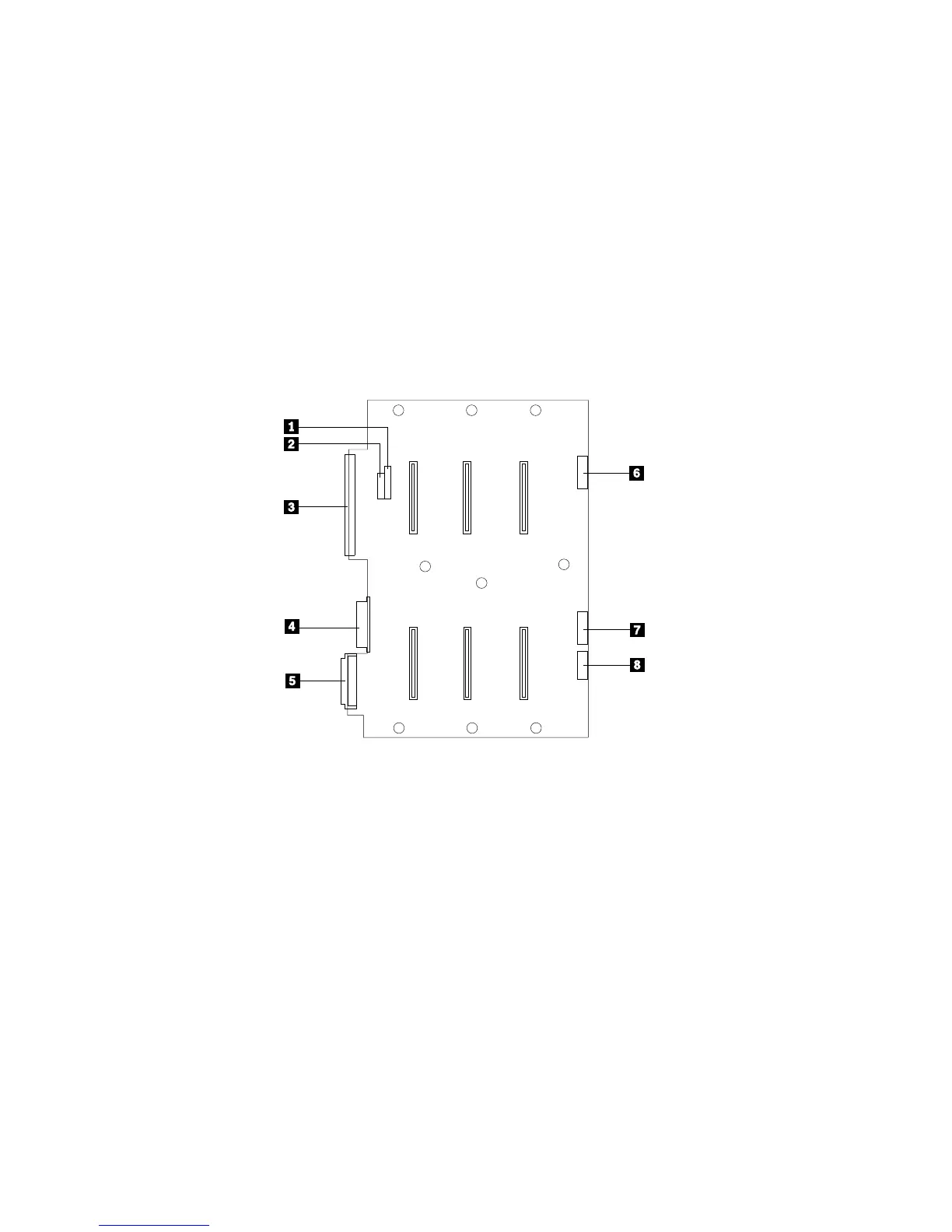
The following illustration shows a SCSI drive backplane.
120
3
45
The connectors on the backplane are:
.1/ J4 SCSI ID jumper block
.2/ J3 SCSI ID jumper block
.3/ J8 Fast SCSI ID connector
.4/ J10 Power and ground from power distribution board
.5/ J15 Fast/Wide SCSI connector
.6/ J2 LED connector for drives 0, 1, and 2
.7/ J9 LED connector for drives 3, 4, and 5
.8/ J11 Multiprocessing-bus connector
Chapter 4. Installing Options 161






 To Next Page