Installing Internal Drives
To install a removable-media drive in the upper-left front bays, do
the following steps:
1. Remove the filler panel from the bay in which you plan to
install the drive:
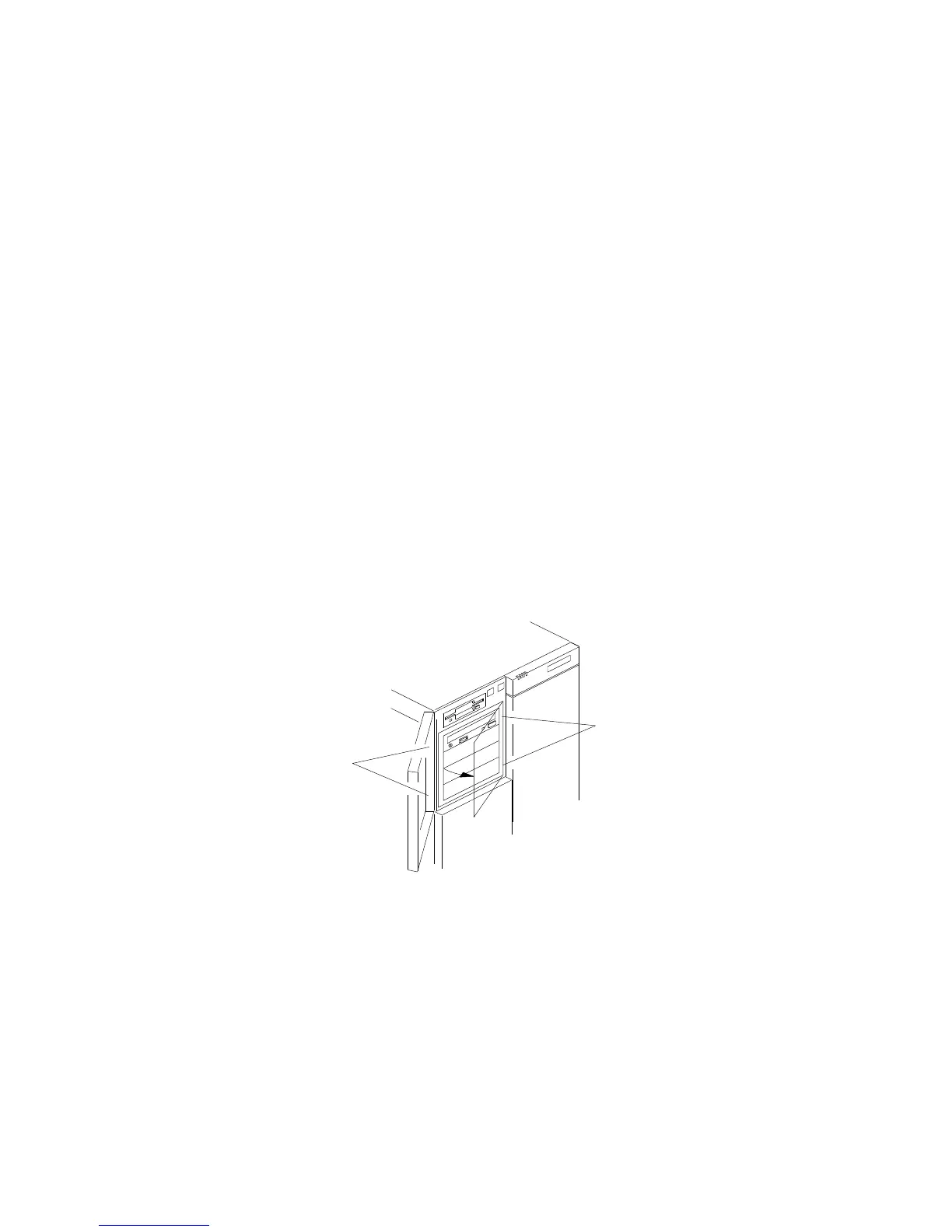
a. Press the two panel frame release tabs.1/, located between
the front edge of the cardcage and the metal flange (the tab
locations are pinpointed but not shown at .1/ in the
following figure).
b. Swing the frame out to the right; then, remove it from the
chassis by disengaging the hinge tabs at the right edge of
the frame (at .2/ in the following figure).
1
2
c. Place the filler panel frame face down on a soft surface to
prevent marring the front of the frame unit.
166 PC Server 704 User's Handbook






 To Next Page