Installing Internal Drives
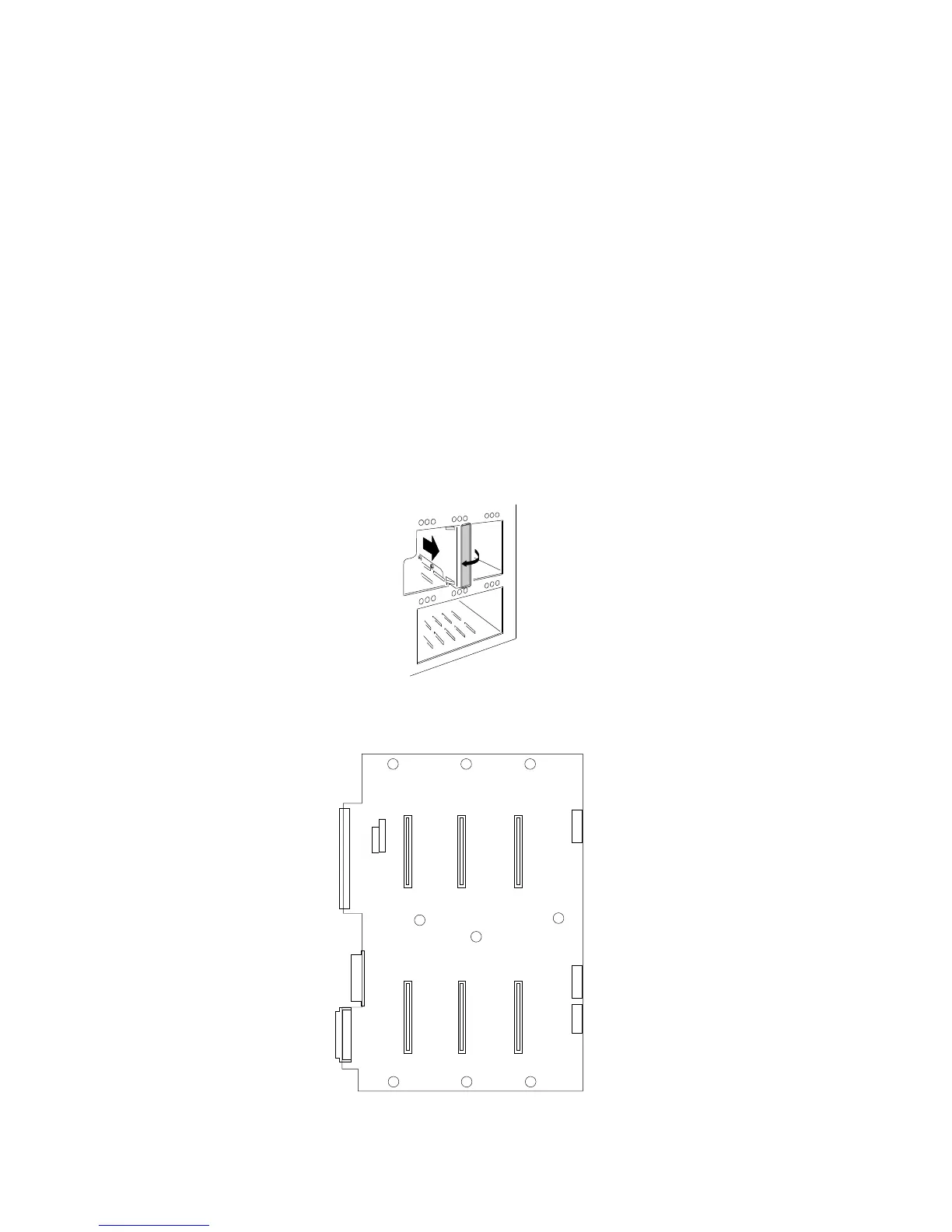
To install a drive in a hot-swap bay, do the following steps:
1. Open the EMI metal panel, using the three thumbscrews.
2. Grasp the plastic lever on an empty carrier and pull the lever
toward you.
3. Remove the empty carrier .2/ from the bay .1/.
1
2
The SCSI IDs (0–5) for the hot-swap drive connectors on the
backplane are shown in the following illustration.
120
3
45
174 PC Server 704 User's Handbook






 To Next Page