Starting the Server
Starting the Server
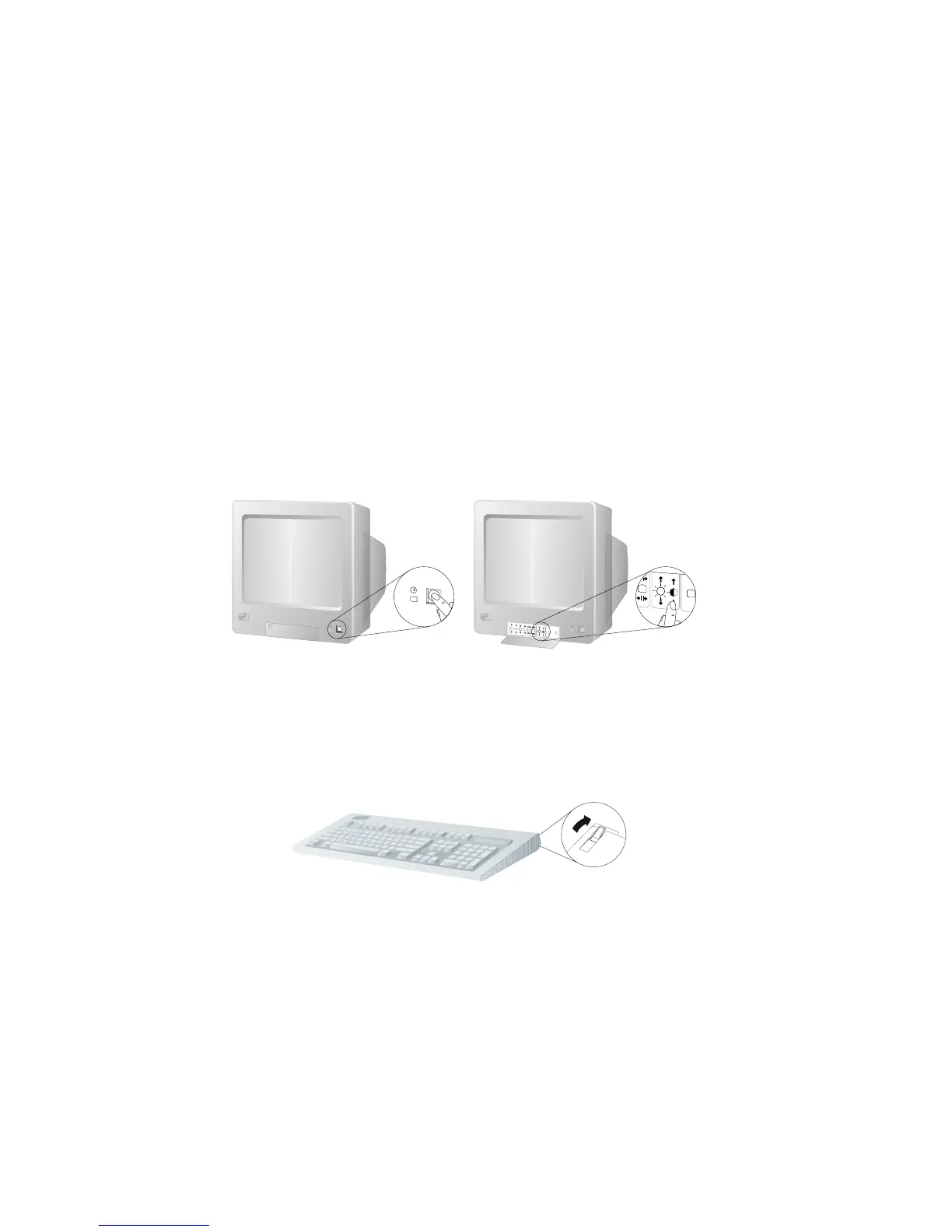
1. Turn on your monitor and adjust the Brightness and Contrast
controls to the approximate midpoint.
You can readjust these controls and the monitor location for
personal viewing comfort after you turn on your server.
Note: The locations of the Power Switch and the Brightness and
Contrast controls on your monitor might be different
from those shown above.
2. Adjust the keyboard feet and position the keyboard for personal
typing comfort.
18 PC Server 704 User's Handbook






 To Next Page