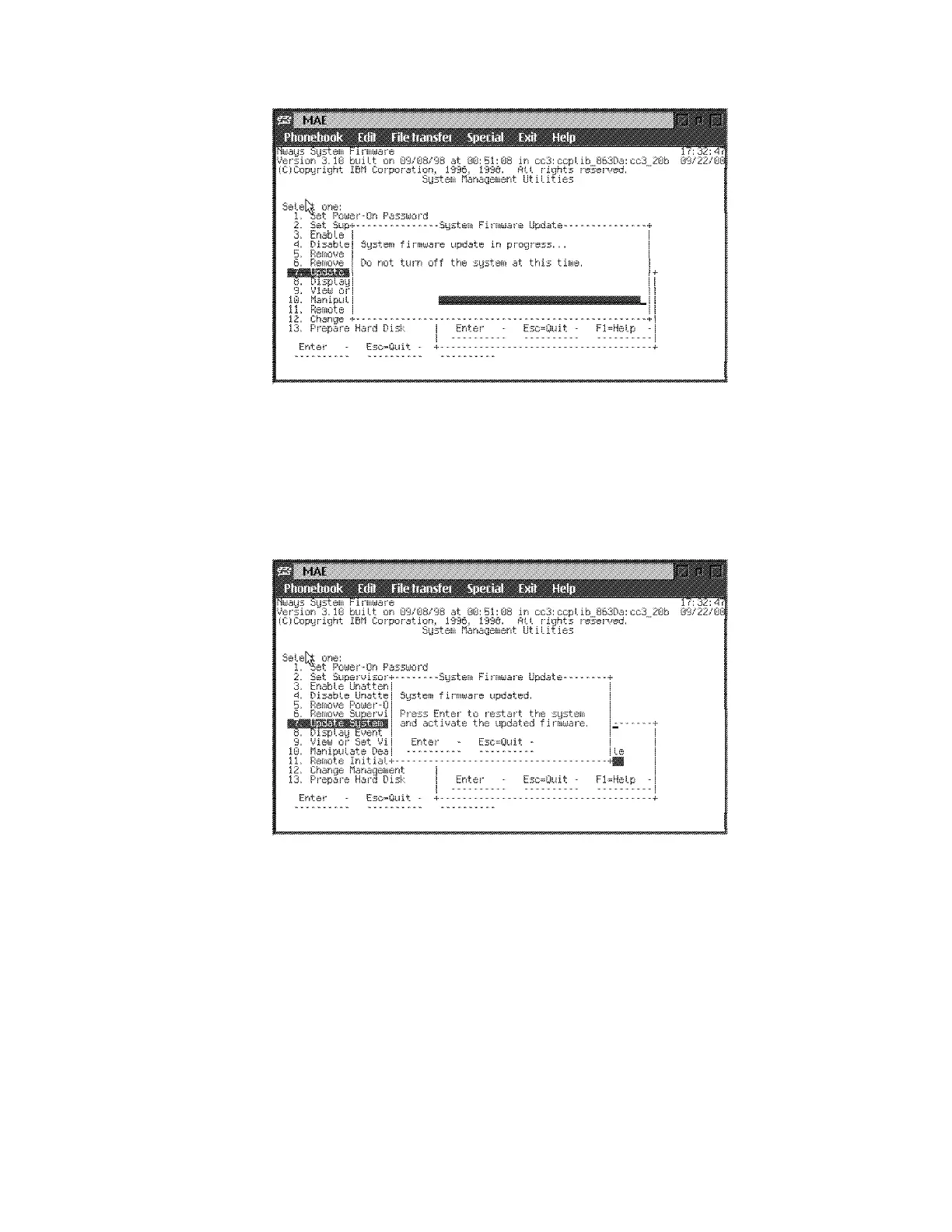
Note: Do not switch the system off. The process erases the old
firmware and copies the new firmware into flash memory. If the
machine is powered off before the process is complete, you will need to
reload the firmware from the recovery image.
i A completed message appears when the firmware is updated.
jPress Enter.
k Follow the prompts (do not press F1 key) and press the space bar
(when required) to obtain the prompt:
Config (only)>
The message:
SAC mgr init failure
is displayed. This is a normal message because the SAC card is
unplugged.
10 Reinstall the SAC Card:
Chapter 4. Multiaccess Enclosure FRU Exchange 4-19


 To Next Page
 Loading...







