Exchanging the Hard Drive on the System Card
Attention: The System Card is
not
hot pluggable.
1 Switch OFF each power supply.
2 Label the cables on the system card. Unplug the cables and the PCMCIA
card.
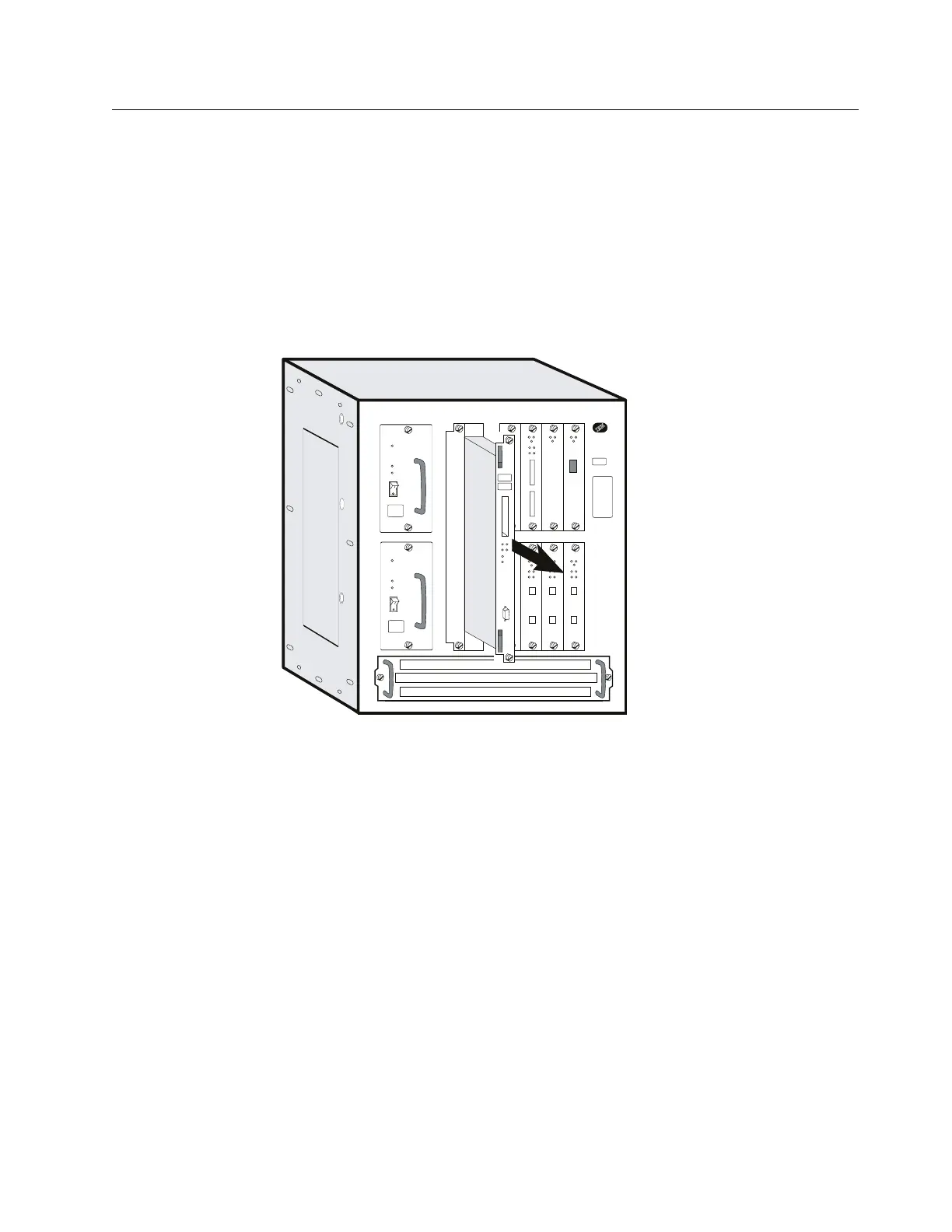
3 Loosen thumbscrews on the system card.
4 Remove the system card and lay it on a soft non-conductive surface.
Attention: In the following Step, be sure to support the hard drive to avoid
damaging the pins when the screws are removed.
5 Lay the system card on a soft non-conductive surface.
Chapter 4. Multiaccess Enclosure FRU Exchange 4-25


 To Next Page
 Loading...







